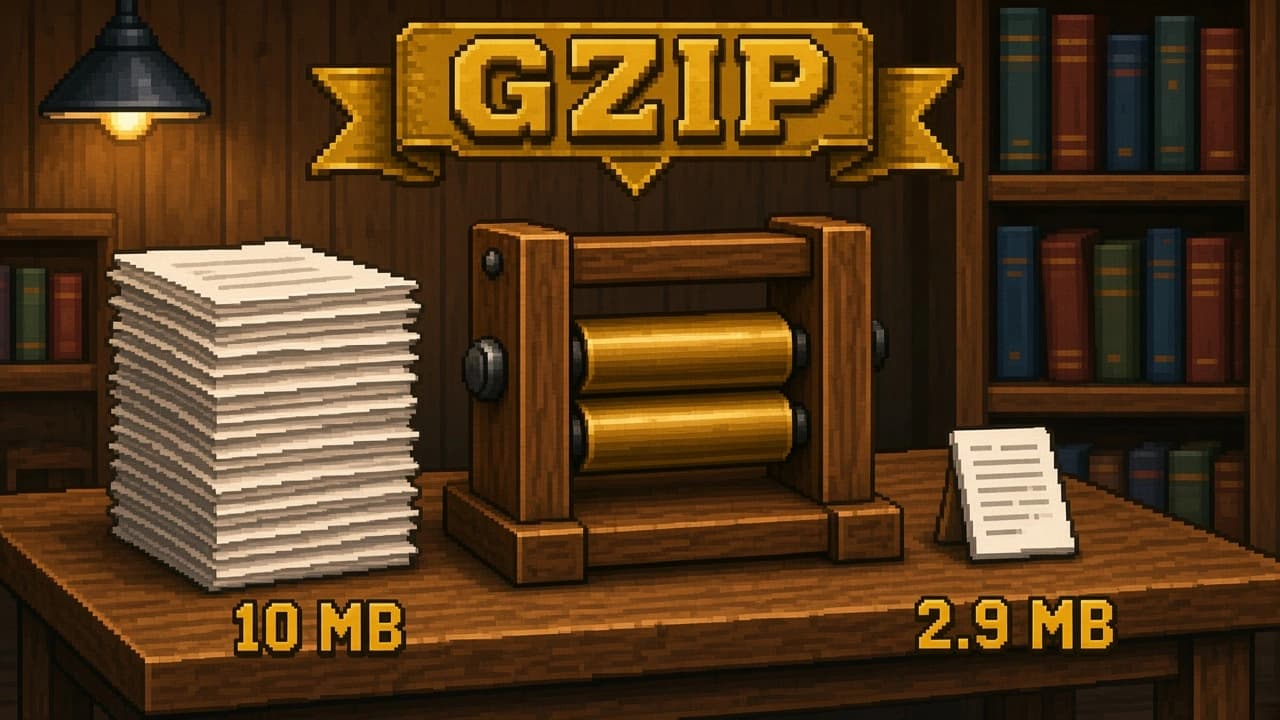
Gzip is the compression format every browser and server understands, and the default for Unity WebGL builds. We explain how it works, what levels 1 to 9 change, and show measured sizes and speeds for a real Unity WebGL build.
By Tim UhlottFounder|Last updated: October 29, 2026|8 minutes read
datacompression
If you have ever downloaded a .tar.gz file, opened a web page, or shipped a Unity WebGL build with the default settings, you have used gzip. It is the oldest compression format still in daily use on the web, and it is the one every browser and every server understands.Let us have a look at what gzip does under the hood, what the compression levels mean, and what kind of numbers you can expect. If you want to know whether gzip or Brotli is the better pick for a WebGL game, read our comparison article after this one.
A short history
Gzip was written in 1992 by Jean-loup Gailly and Mark Adler as a free replacement for the Unix compress tool, which was blocked by patents at the time. The file format is described in RFC 1952 (opens in a new tab) and the compression method inside it, called DEFLATE, in RFC 1951 (opens in a new tab). Both documents are from 1996 and have not changed since. A file compressed back then still opens today.A gzip file is a thin wrapper: a 10 byte header, the DEFLATE compressed data, and an 8 byte trailer with a CRC32 checksum and the original size. All the real work happens in DEFLATE.
How DEFLATE works
DEFLATE combines two ideas. Both are simple on their own.
Step 1: find repeats (LZ77)
The compressor reads the input and keeps a sliding window of the last 32 KB it has seen. Whenever the next bytes match something that already appeared in that window, it does not write the bytes again. Instead it writes a short reference: "go back 1,200 bytes and copy 18 bytes from there."Take this line of a shader or a config file:
color_red=255;color_green=128;color_blue=64;
The second color_ can be replaced with "go back 14 bytes, copy 6". The third one too. Game data is full of this kind of repetition: the same field names in every JSON entry, the same vertex layout in every mesh, the same byte patterns in every texture header.A match has to be at least 3 bytes long to be worth it, and the window is only 32 KB. If the same block appears twice in a file but 5 MB apart, gzip cannot see it. Brotli and LZMA use much bigger windows, and that is one reason they compress better.
Step 2: use short codes for common symbols (Huffman coding)
After step 1, the data is a stream of literal bytes and back references. Some of these show up far more often than others. Huffman coding gives the frequent ones short bit codes (maybe 3 or 4 bits) and the rare ones longer codes (up to 15 bits). A byte that appears thousands of times now costs a fraction of its original 8 bits.DEFLATE builds a fresh Huffman table for each block of data and stores it at the start of the block, so it adapts to files that change character halfway through, for example a texture atlas followed by a text table.Decompression runs both steps backwards. It is much faster than compression because the decoder does not have to search for anything. It just reads codes and copies bytes.
What the levels 1 to 9 change
Every gzip tool lets you pick a level from 1 (fastest) to 9 (smallest). The level only changes step 1. At level 1 the compressor looks at a few candidate matches and takes the first good one. At level 9 it searches much longer for the best match. The output format is the same, so the decompressor does not care which level you used, and the decompression speed is nearly identical at every level.Here are the measurements from the lzbench 2.4 benchmark (opens in a new tab) by Przemysław Skibiński, run on a single core of an AMD EPYC 9555P with the Silesia corpus (211.9 MB of mixed data: source code, a database dump, an executable, images, text). The zlib library is the reference DEFLATE implementation used by gzip.
Setting
Compression speed
Decompression speed
Compressed size
Size vs. original
Original
211.9 MB
100%
zlib level 1
89.0 MB/s
297 MB/s
77.3 MB
36.5%
zlib level 6 (default)
26.8 MB/s
314 MB/s
68.2 MB
32.2%
zlib level 9
11.3 MB/s
318 MB/s
67.6 MB
31.9%
In practice: the default level 6 is a good balance for most jobs. Going to level 9 costs more than twice the compression time and saves less than 1 percent of the output. Level 1 is a good fit when you compress on the fly, for example a game server sending JSON to clients.
Gzip cuts a WebGL build to roughly a third of its uncompressed size, which is why Unity leaves it on by default. It is also the safe choice: every browser can decompress it, and it works over plain HTTP, which Brotli does not.
Using gzip from C#
If you want to compress a save file or a network message yourself, .NET ships GZipStream, and it works in Unity too:
CompressionLevel.Fastest maps to gzip level 1, Optimal to the default, and SmallestSize to level 9.
When gzip is the right tool
Gzip is a good fit when you need something that works everywhere, compresses reasonably well, and decompresses fast. That describes most web traffic, log files, and the default Unity WebGL build.It is not the best fit when the download size is the one thing you care about and you control the server. In that case Brotli gives you smaller files for the same decompression cost. And it is a poor fit for assets you load from disk hundreds of times during gameplay. For that job LZ4 decompresses about ten times faster. We cover both in their own articles.
00 views
00 shares
Discussion about this post
No comments yet. Be the first to start the discussion.