Unity 7 alpha vs Unity 6. What changed for game developers?
Unity 7 alpha (7000.0.0a7) replaces the Mono Editor with CoreCLR. What actually changed from Unity 6 for game developers: what is in, what was removed, and which code you have to touch.
By Tim UhlottFounder|Last updated: October 7, 2026|9 minutes read
unityupdate
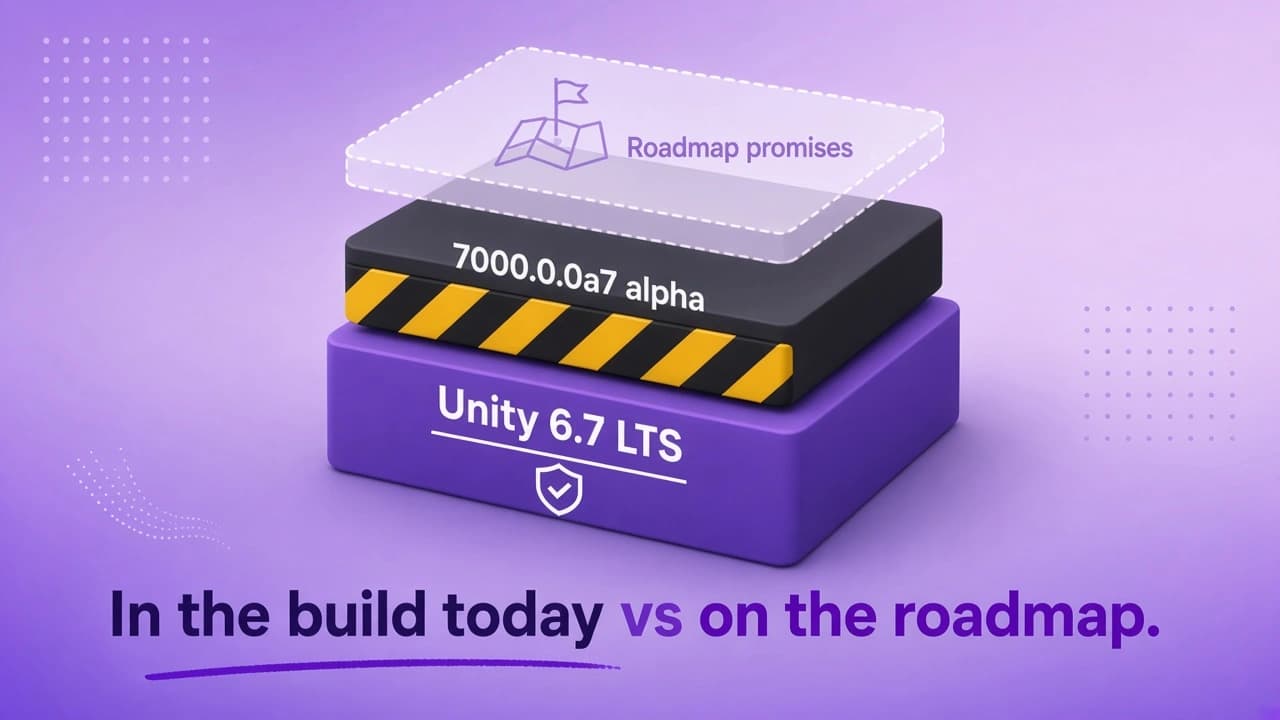
On October 6, 2026, Unity released the first public alpha of Unity 7. The build is called 7000.0.0a7 and you find it in the Unity Hub under Pre-releases. It is an alpha, not a beta. The beta is planned for December 2026 and the full release for early 2027.Unity talked about a lot at Unite Seoul in July. Only some of it is in this build. So let us look at what is in the alpha today, what Unity still owes us, what got removed, and which code you have to touch.
The Editor runs on CoreCLR now
This is the big one. The Unity 7 Editor does not contain Mono anymore. It runs on CoreCLR, the .NET runtime Microsoft uses for modern .NET applications. I wrote about why Unity is replacing Mono with CoreCLR in August, so I will not repeat the runtime basics here.What surprised some people is the language version. The alpha still gives you C# 9 and .NET Standard 2.1, the same as Unity 6. C# 14 and .NET 10 are planned for later in the 7.0 cycle, but Unity has not named a date and says it will not happen during the alpha.Another change you notice in the first minute: domain reload is gone. In Unity 6, every script change unloaded the whole C# world and reset your static fields along the way. Unity staff confirmed that this is now a code reload, which reloads only parts of your code. Static fields are not reset anymore. More on that below.IL2CPP is still here. Phones, consoles, and many stores need it. The IL2CPP players for Windows, macOS, Linux, and iOS already use the .NET 10 class libraries, even though the Editor is still on .NET Standard 2.1.
Takeaway: The runtime changed, the language did not. Unity 7 alpha is Unity 6 C# running on a new engine.
What is in the alpha, and what is not
Unity promised
In 7000.0.0a7?
CoreCLR Editor, no Mono
Yes
Code reload instead of domain reload
Yes
CoreCLR desktop player, not experimental
Yes
Shader Model 6.10 in HLSL
Yes
C# 14 and .NET 10 in the Editor
No, later in 7.0
Near-instant Play Mode, shader builds up to 90% faster
No, next 7.x release
CLI for artists, MCP for coding agents, neural upscaling
No
GameObjects as entities in one Hierarchy, no SubScenes
No, after 7.0
The last row is worth a comment. Unity staff said that "ECS for all" is a long list of smaller changes. Some already shipped in Unity 6. The headline feature, no SubScenes anymore, is not part of 7.0.
Takeaway: The alpha is the new foundation. Most things people are excited about come later, on top of it.
Is Unity 7 faster?
Not yet, and Unity says so itself. The upgrade guide does not expect "significant performance differences against Mono based editors during the alpha period". The goal for the first supported 7.0 is parity with Unity 6.7 LTS. The optimization work is planned for the next 7.x LTS in 2027.One community member compared the CoreCLR player with the Mono player (opens in a new tab). Pure C# code was faster on CoreCLR, in one test 35% faster. Calls into the engine were mixed, and FindAnyObjectOfType was about 16 times slower. A Unity developer answered that functions outside the common paths are on the backlog.
Takeaway: Do not upgrade for speed. Expect about the same frame times as in 6.7.
Deprecated and removed in Unity 7
Unity says there are "no major breaking changes" between 6 and 7. That is true for your gameplay code. It is less true for a few tools and platforms.
Removed or deprecated
What you do
Progressive CPU lightmapper
Scenes switch to the GPU lightmapper automatically. Lightmapper.ProgressiveCPU is a compiler error.
Baked occlusion culling
OcclusionArea and OcclusionPortal still work but warn. Unity points to GPU occlusion culling.
Built-in Render Pipeline
Renders black and shows an error banner. You need URP or HDRP.
Mono Editor and Mono Android player
CoreCLR and IL2CPP take over.
macOS x64 Editor and player
Intel Macs cannot run Unity 7.
Prefab format from Unity 3.3 and older
Overrides in such old prefabs are lost. Unity 6.7 warns about these files.
Entities Journaling API
Use IDebugOnAdded and IDebugOnRemoved.
When you open an existing project, Unity reimports every asset once. The Editor preferences move to a new folder named Editor-7.x, so Unity 6 keeps its own settings. Linux needs glibc 2.35, which means Ubuntu 22.04 or newer.
Takeaway: Built-in Render Pipeline, CPU lightmaps, and Intel Macs are the three things that stop you on day one.
Code that changes
Most scripts compile without changes. The places that break are static state and asset importers.
Static fields are not reset anymore
If your game "worked" because Play Mode reset a static list every time, that list now keeps growing across Play sessions. Unity added lifecycle attributes for this. The one that replaces the old DomainUnload event looks like this:
usingSystem.Collections.Generic;usingUnity.Scripting.LifecycleManagement;publicstaticclassEnemyCache{publicstaticreadonlyList<Enemy> Alive =newList<Enemy>();// Runs after Unity reloaded your code. Clear what domain reload used to clear.[AfterCodeReloadSerialization]staticvoidCleanup(){ Alive.Clear();}}
There is also [AutoStaticsCleanup]. You put it on a class or a static field and Unity generates the reset code. Project Auditor lists the fields that need one of the two.Two related APIs changed. AppDomain.CurrentDomain.GetAssemblies() can return assemblies that are being unloaded, so use UnityEngine.Assemblies.CurrentAssemblies.GetLoadedAssemblies() instead. And Assembly.Location returns an empty string under CoreCLR. Use the new GetLoadedAssemblyPath() extension method.
Asset importers have to set the main object
In Unity 6, an object you added in an AssetPostprocessor with AddObjectToAsset could become the main object of the asset. In Unity 7 the importer's own object stays the main object unless you say otherwise:
publicclassMyModelPostprocessor:AssetPostprocessor{voidOnPostprocessModel(GameObject root){var extra = ScriptableObject.CreateInstance<MyData>(); context.AddObjectToAsset("data", extra);// New in Unity 7. Without this line the model stays the main object. context.SetMainObject(extra);}}
Two smaller things. A Burst function pointer delegate, and every type in its signature, must be public or internal. And managed exceptions thrown inside code that Burst or a native plugin called do not bubble up anymore and can end the process, so catch them where they happen.
Takeaway: Search your project for static collections, AddObjectToAsset, and Assembly.Location. Those three searches find most of the work.
Should you try the alpha?
Yes, on a copy of your project, if you want to know early what breaks. No, if you want to ship. Unity recommends the alpha for compatibility testing only, and the known issues list has crashes in it.Keep your production game on Unity 6.3 LTS. If the alpha breaks something, send Unity a bug report with a small reproduction. With two alpha builds per week you will not wait long for a fix.
00 views
00 shares
Discussion about this post
No comments yet. Be the first to start the discussion.