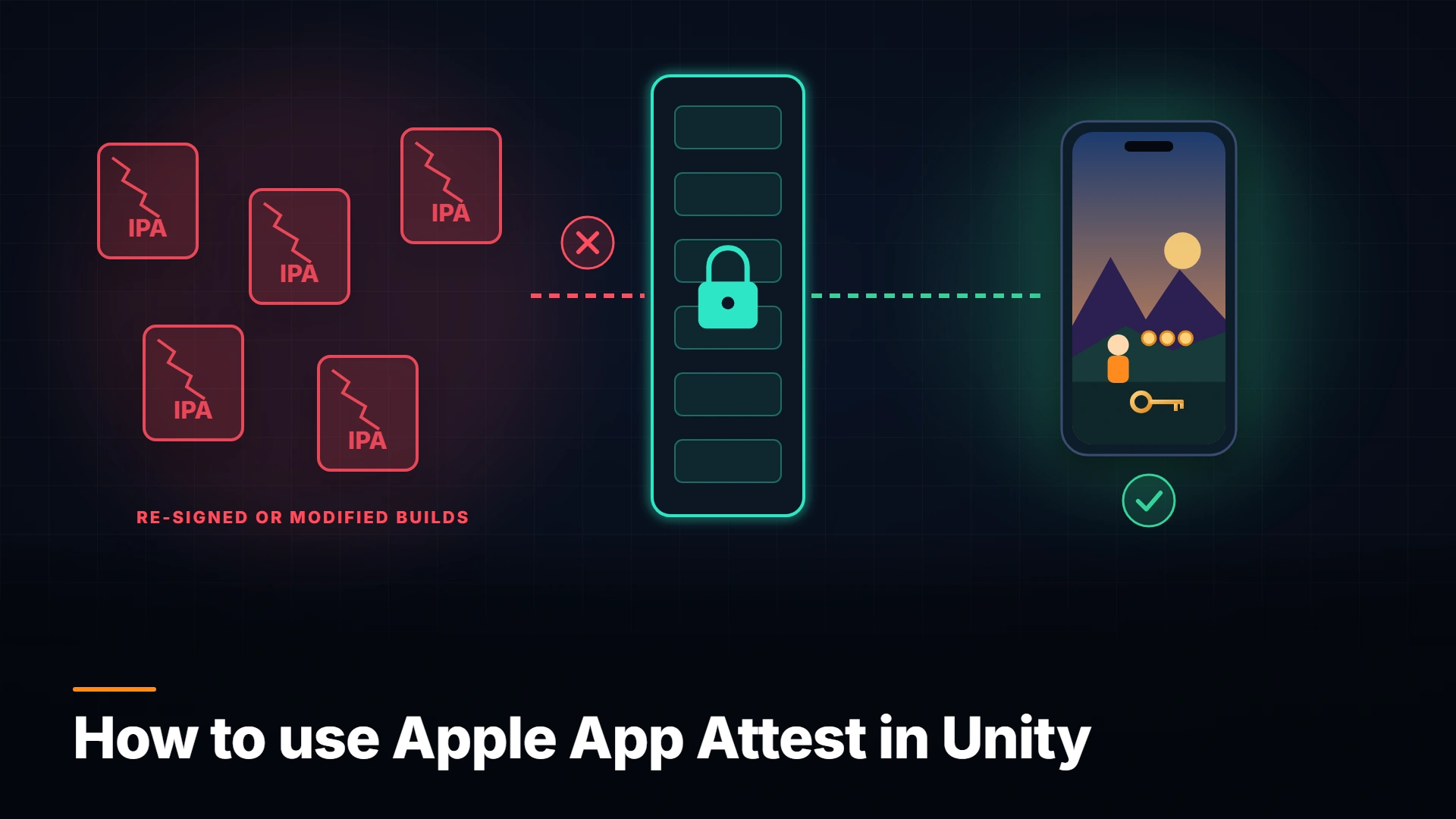
Apple App Attest lets your server check that a request comes from your real iOS game on real Apple hardware. Here is how to set it up and call it from Unity with a small native bridge.
By Tim UhlottFounder|Last updated: November 11, 2026|8 minutes read
cybersecurityiosintegrity
On Android, Google gives you the Play Integrity API. On iPhone and iPad, Apple has its own answer: App Attest. It lets your server check that a request comes from a real, unmodified copy of your game running on real Apple hardware.Unity has no official plugin for it, so we will write a small native bridge ourselves. It is less than 30 lines of Objective-C. But let us start with what App Attest actually checks.
What is App Attest?
App Attest is part of Apple's DeviceCheck framework and works on iOS 14 and newer. Your game creates a cryptographic key inside the device's Secure Enclave. Apple then signs a statement that says "this key belongs to a genuine instance of this app on genuine Apple hardware". Your server checks that statement once and stores the public key.After that, your game signs important requests with the key. Apple calls these signatures assertions, and your server verifies each one with the stored public key. A modified game cannot produce a valid assertion, and neither can a script that only replays network traffic.Apple says it plainly (opens in a new tab): a compromised app can fake the result of any check it runs on itself. So the trust comes from the hardware and from Apple's servers, and your server makes the decision.
How App Attest works
Step
When
What happens
Generate key
Once per install and user
generateKey creates a key in the Secure Enclave and returns a keyId
Attest key
Once, right after
The game hashes a server challenge, calls attestKey, and the server verifies the result with Apple's root certificate
Assert
On important requests
generateAssertion signs the request; the server checks the signature and a counter
The challenge is a random value from your server, at least 16 bytes, so nobody can replay an old attestation. The counter in each assertion has to go up every time, so nobody can replay an old assertion either.Keys survive app updates. A reinstall, a restore from backup, or a new device loses the key, and the game just creates a new one.
How to set up App Attest
In your Apple Developer account, open your App ID under Certificates, Identifiers & Profiles and enable the App Attest capability.
Add the entitlement com.apple.developer.devicecheck.appattest-environment to the app. During development Apple uses a sandbox environment. Builds from TestFlight and the App Store always use production.
Link DeviceCheck.framework to the Xcode project.
Unity regenerates the Xcode project on every build, so I would do steps 2 and 3 in a post-process script instead of by hand:
usingSystem;usingSystem.Runtime.InteropServices;usingSystem.Security.Cryptography;usingUnityEngine;publicclassAppAttest:MonoBehaviour{#if UNITY_IOS && !UNITY_EDITOR[DllImport("__Internal")]privatestaticexternboolAppAttest_IsSupported();[DllImport("__Internal")]privatestaticexternvoidAppAttest_Attest(string challengeHashB64);#elseprivatestaticboolAppAttest_IsSupported()=>false;privatestaticvoidAppAttest_Attest(string _){}#endifpublicvoidAttest(byte[] serverChallenge){if(!AppAttest_IsSupported())return;// Simulator or old device. Tell the server.usingvar sha = SHA256.Create();AppAttest_Attest(Convert.ToBase64String(sha.ComputeHash(serverChallenge)));}privatevoidOnAttested(string msg){string[] parts = msg.Split('|'); PlayerPrefs.SetString("AppAttestKeyId", parts[0]);// The ID is not secret.// Send parts[0] (keyId) and parts[1] (attestation) to your server.}privatevoidOnError(string error)=> Debug.LogWarning("App Attest: "+ error);}
For assertions, add a second native function that calls generateAssertion:clientDataHash:completionHandler: with the stored key ID. Use a hash of the request body plus a fresh server challenge.
checks the certificate chain against Apple's App Attest root certificate
checks that the nonce matches your challenge, so the attestation is fresh
checks that the App ID hash matches your Team ID and bundle ID
checks that the counter is 0 and the key ID matches the public key
stores the public key, and later verifies every assertion signature and a rising counter
Open-source libraries exist for several server languages. If you use one, compare it against Apple's list before you trust it.The attestation also contains a receipt. Your server can send it to Apple and get back a risk metric: roughly how many keys your app created on that device in the last 30 days. A high number can mean one compromised device is signing requests for many fake clients.
Why App Attest helps your game
iOS is less locked down than many developers assume. There are jailbreaks, re-signed IPAs, and tools that replay network traffic. With App Attest your server can reject reward claims, leaderboard scores, or purchase grants that do not come from your real build.I would roll it out gently. Apple suggests adding no more than 10 million users per day (opens in a new tab), and it can throttle attestation traffic. Devices without support and the simulator need a fallback path, too.Keep its limits in mind. Like Play Integrity, App Attest does not stop memory editing on a jailbroken phone that still holds a valid key. Once the key is attested, the server trusts what that device signs.
Takeaway: Sign the requests that give something away first: rewards, scores, and purchases. Start with soft consequences, like no ranked play, before you block anyone.
Conclusion
Enable the capability, add the entitlement in a post-process script, attest once, and sign the requests that matter. Your server checks everything.If you already use Play Integrity on Android (opens in a new tab), the same backend logic covers both platforms. For the client side, the part App Attest cannot see, take a look at GuardingPearSoftware Anti-Cheat.
00 views
00 shares
Discussion about this post
No comments yet. Be the first to start the discussion.