The booth still asks you to choose
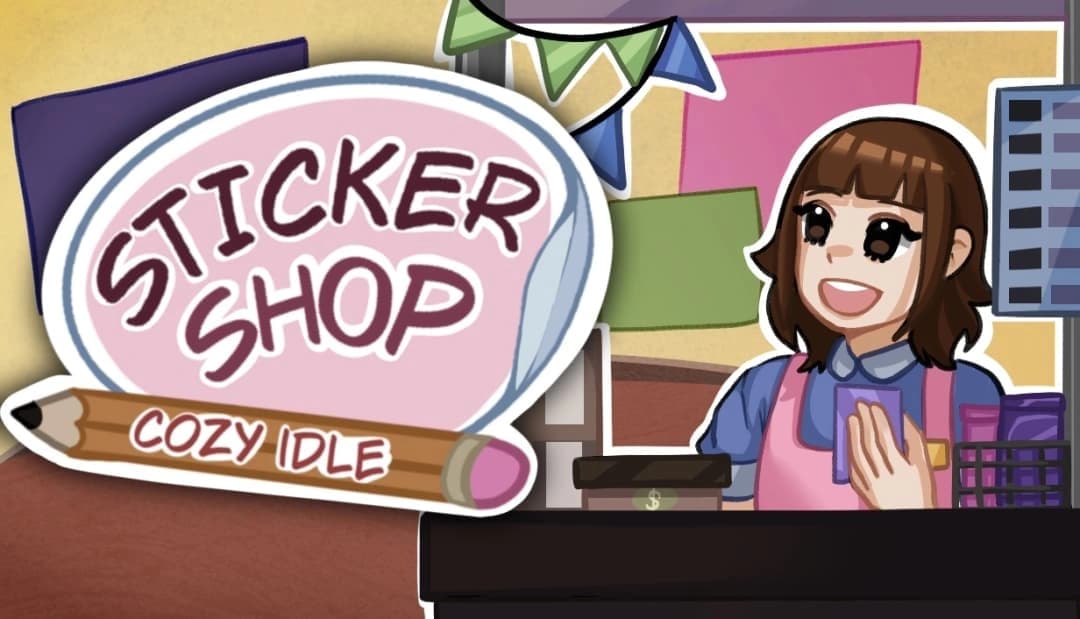
The game starts with the player opening a booth at a festival. During short collection runs, sealed sticker packs drift through themed areas. The player catches them and takes them back to the shop. A pack can be sold unopened for dependable income, stored for later, or opened in the hope of finding a rare sticker. Opened stickers fill a permanent album and can also be placed in sales stock. Customers continue buying while the player visits other screens. They buy only from stock the player has chosen to sell. The idle systems keep the booth moving. The player still chooses what goes on sale. A sealed pack is safe money. Opening it may produce something more valuable, or a new discovery the player wants to protect. Gold improves the shop, experience unlocks progression, and the main campaign asks the player to pay off a debt before continuing into an endless mode. We currently have 120 hand-drawn stickers and plan to reach at least 240 by launch.A pack opening that felt like a slider
One of our most useful development failures came from the pack-opening screen. The first version worked like a normal progress control: a track, a fill bar, and a round handle dragged from left to right. It was readable and technically reliable. The player was still operating a slider while the artwork waited behind it. We replaced that control with artwork drawn for the interaction. Each pack is now built from three aligned images: the package background, a sliding cover, and an opening tab. The tab follows the player's drag, and a shader clips the cover from left to right. If the player moves back before completing the tear, the package closes with that movement.One canvas for every layer
The same pack had to appear in the collection area, inventory, and opening sequence. Unity UI images and sprite renderers read the visible bounds and pivots differently. Individually trimmed layers looked correct on their own. Stacked at different sizes, they drifted apart. Our solution was to treat every layer as part of one coordinate contract. All three images use the same full 512-by-640 canvas, centered pivot, and untrimmed rectangle. A hybrid view lets SpriteRenderers follow UI RectTransforms, so the layout remains on the Canvas while the artwork can still use shaders and sorting layers. Dragging is calculated from the point where the player first clicks. That removed the dead movement we felt in early tests.The lesson we are keeping
The reusable lesson was simple. When an interaction depends on layered artwork, asset preparation is part of the system design. Shared canvas size, pivot, state ownership, and interruption behavior should be decided before polishing the animation. A prototype slider proved the flow. Testing the real artwork early showed alignment problems a placeholder control would hide. Sticker Shop Cozy Idle exists because we love the human side of artist alleys: handmade work, tiny booths, collectors, and the nervous excitement of a first sale. Building it has reminded us that cozy presentation still needs precise technical rules underneath. When those rules are stable, the player can tear open a pack and wonder what is inside.Wishlist Sticker Shop Cozy Idle
- Sticker Shop Cozy Idle on Steam (opens in a new tab)
- Phantom Script Studio on X (opens in a new tab)