Passkeys Explained: How They Work and Are They Phishing-Proof?

Passkeys promise a safer, passwordless alternative, but are they truly phishing-proof? Here's how passkeys work, what makes them more secure, and the techniques hackers can still use to compromise protected accounts.

By Hirum KigothoTeam|Last updated: November 16, 2026|18 minutes read
cybersecurity
Passkeys Explained: How They Work and Are They Phishing-Proof?
Passwords have been the foundation of online security for decades, protecting everything from email accounts and social media profiles to banking services and corporate networks. However, they have also become one of the weakest links in cybersecurity. Weak passwords, password reuse, phishing attacks, and data breaches continue to give cybercriminals opportunities to steal login credentials and take over accounts. To address these problems, technology companies are now adopting passkeys, a passwordless authentication technology designed to make online accounts easier to access and harder to compromise. However, does this mean passkeys are completely secure? Can hackers steal them, bypass their protection, or exploit weaknesses in the systems that support them? Let's explore how passkeys work, why they are considered more secure than passwords, and whether they can truly protect users against phishing and other cyberattacks.

What Are Passkeys?

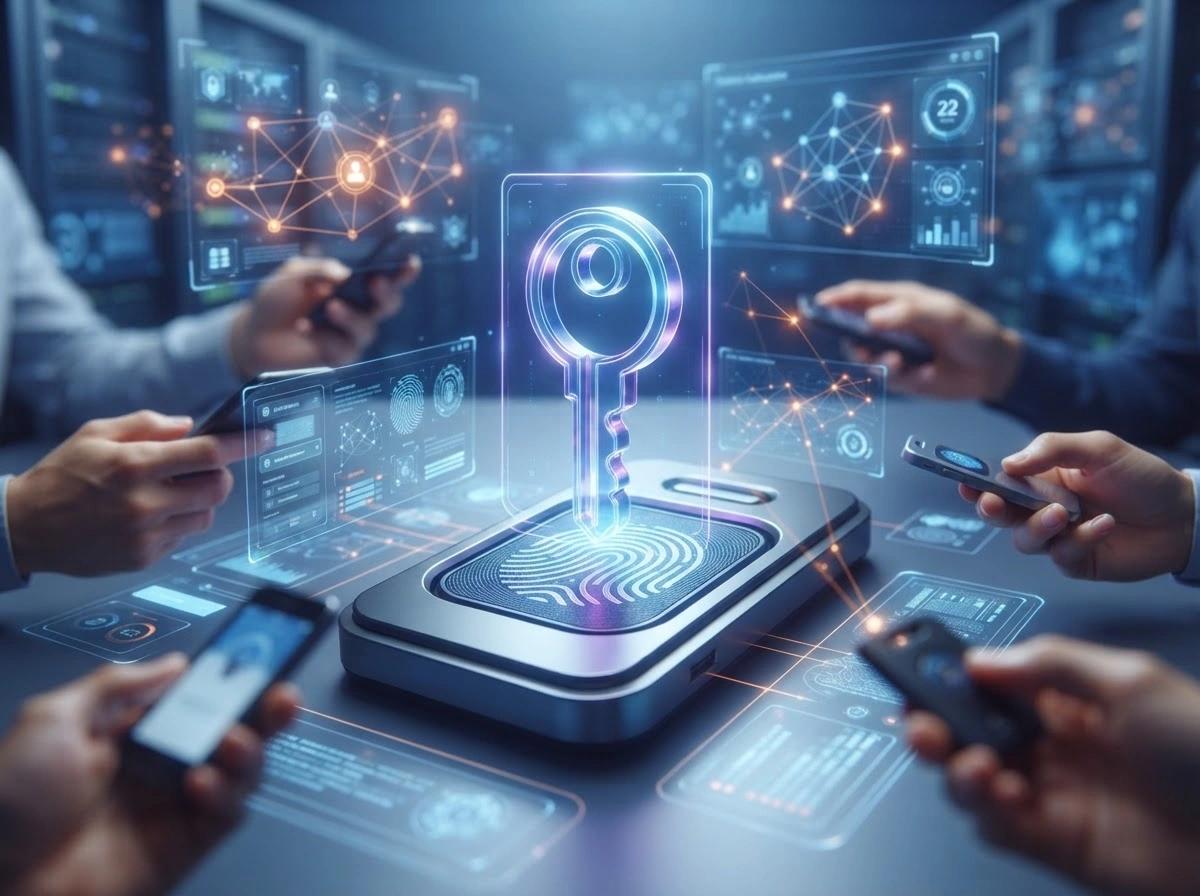
Passkeys are digital authentication credentials that allow users to sign in to websites and applications without entering traditional passwords. They are based on public-key cryptography, a security technology that uses two mathematically related keys to verify identities. Unlike passwords, which users create and enter manually, passkeys are generated automatically by a device or credential manager during account registration. Each passkey is unique to a particular website or application, meaning the same credential cannot simply be reused across different services. A passkey consists of a cryptographic key pair:
  • Public key: This is shared with the website or application and stored on its authentication server. It allows the service to verify that a login request came from someone possessing the corresponding private key.
  • Private key: This remains protected within the user's device, authenticator, or credential manager. It is used to prove ownership of the account during authentication and is not shared with the website.

Users do not need to see, remember, copy, or manually enter these cryptographic keys. Instead, they unlock their passkeys using a familiar device authentication method, such as fingerprint recognition, facial recognition, or a PIN. For example, when signing in to an account using a passkey on a smartphone, the user may simply select the account and scan their fingerprint. The device then performs the necessary cryptographic operations to authenticate the user. The website receives proof that the user possesses the correct private key without ever receiving the private key itself. Passkeys are built on the FIDO2 authentication standards, which combine Web Authentication (WebAuthn) and the Client to Authenticator Protocol (CTAP). These standards provide the foundation for secure, passwordless authentication across supported websites, browsers, operating systems, and devices.

Synced Passkeys vs. Device-Bound Passkeys

Passkeys generally fall into two categories: synced passkeys and device-bound passkeys. Understanding the difference is important because they offer different approaches to security, convenience, and account recovery.

Synced Passkeys

Synced passkeys are stored and synchronized across a user's devices through a supported credential manager. For example, someone who creates a passkey on an iPhone using iCloud Keychain may be able to access it on another supported Apple device signed in to the same account. Google Password Manager and third-party password managers also support passkey synchronization. The main advantage is convenience. Users do not need to create a separate passkey for every device, and replacing a lost or damaged device can be easier when credentials have been securely backed up. However, users must also protect the account and synchronization service that manages their credentials. If the provider account is compromised or its recovery process is abused, synchronized credentials may become exposed to additional risks.

Device-Bound Passkeys

Device-bound passkeys remain tied to a specific device or hardware security key rather than being synchronized across multiple devices. They are designed to stay within the authenticator where they were created. For example, an organization may use hardware security keys to provide employees with device-bound authentication credentials for sensitive corporate systems. This approach can provide stronger control over where authentication credentials are stored and used. However, device-bound passkeys introduce recovery challenges. If a user loses the device or hardware security key, they may need another registered credential or a secure recovery procedure to regain access.

Why Are Passkeys More Secure Than Traditional Passwords?

Traditional passwords have several weaknesses that make them attractive targets for cybercriminals. Passkeys address several of these problems.

1. Protection Against Phishing Attacks

Phishing attacks attempt to trick users into revealing sensitive information, including passwords, verification codes, and banking credentials. Attackers commonly distribute fake login pages through emails, text messages, social media messages, and malicious advertisements. A user who believes the website is real may enter their credentials, unknowingly sending them directly to the attacker. Passkeys make this approach significantly more difficult because the authentication process is tied to the real website's domain. Even if an attacker creates an almost identical copy of a login page, the passkey cannot normally be used on that unrelated domain.

2. No Passwords to Steal From Website Databases

Traditional authentication systems require websites to store password verification data, usually in the form of password hashes. Although properly implemented password hashing protects passwords from straightforward disclosure, attackers can still target stolen password databases and attempt to crack weak passwords offline. Passkeys reduce this risk because websites store public keys rather than users' private authentication keys. If a website's authentication database is stolen, attackers generally cannot use the public keys alone to sign in as users. They would still need access to the corresponding private keys or another way to compromise the authentication process.

3. Protection Against Credential Stuffing

Credential stuffing is an attack in which cybercriminals use usernames and passwords stolen from one service to attempt logins on other websites. The technique works because many people reuse the same passwords across multiple accounts. For example, if an attacker obtains someone's email password from a compromised online store, they may try using the same credentials to access the victim's social media, cloud storage, or banking accounts. Passkeys reduce this risk because every credential is unique to its associated website or application. A passkey created for one service cannot simply be reused to authenticate with another service.

4. Strong Authentication Without Remembering Passwords

Users frequently struggle to create and remember unique passwords for every online account. This often leads to weak passwords, password reuse, and insecure password storage practices. Passkeys eliminate the need to remember complicated passwords for supported services. Users can authenticate through the same security mechanism they already use to unlock their devices, making secure authentication easier and more convenient.

5. Protection Against Replay Attacks

Replay attacks occur when attackers capture authentication data and attempt to reuse it to gain unauthorized access. Passkeys use cryptographic challenges to ensure that each authentication request is unique. The authenticator signs the challenge rather than simply sending a reusable secret. As a result, a previously captured authentication response should not work for a new login attempt because the server expects a different challenge and verifies the associated authentication data.

Are Passkeys Completely Phishing-Proof?

Passkeys are widely regarded as phishing-resistant authentication credentials, but describing them as completely secure would be misleading. Their underlying cryptographic design provides strong protection against conventional phishing attacks. However, phishing is only one of many techniques cybercriminals use to compromise online accounts. Attackers can target the devices where passkeys are stored, exploit weaknesses in account recovery systems, steal authenticated sessions, or trick users into approving malicious actions. In other words, passkeys can prevent attackers from stealing authentication credentials through fake login pages, but they cannot guarantee that an account or device will never be compromised.

How Hackers Could Still Compromise Accounts Protected by Passkeys

Passkeys protect the authentication process, but they do not necessarily protect a user after they have successfully signed in. Once authentication is complete, websites commonly create a session token or cookie that allows users to remain logged in without repeatedly proving their identity. These tokens are stored by the browser or application and are used to maintain an authenticated session. If attackers manage to steal a valid session cookie, they may be able to access the victim's account without knowing their password or possessing their passkey. Cybercriminals can obtain session tokens through malware, malicious browser extensions, compromised devices, or other attacks targeting browser data. For example, infostealer malware can collect sensitive information from infected computers, including browser cookies, saved credentials, and authentication-related data. An attacker who obtains a usable session token may be able to impersonate the victim until the session expires or is revoked. This means passkeys do not eliminate session hijacking. Websites must still implement strong session management, token protection, and suspicious-login detection.

2. Malware and Compromised Devices

Passkeys are designed to keep private keys protected by device security mechanisms, but they cannot protect an entire device from compromise. If cybercriminals infect a smartphone or computer with malware, they may be able to monitor activity, steal information, or interfere with the user's authenticated sessions. For example, remote access trojans (RATs) can give attackers unauthorized control over infected systems. Infostealers can collect browser data, cookies, and other sensitive information. Some malware may also exploit weaknesses in operating systems, browsers, credential managers, or applications to gain access to sensitive resources. Although properly protected passkeys are not simply exposed as readable passwords, a compromised device can undermine the security surrounding their use. Attackers may also attempt to manipulate users into installing malicious applications that imitate legitimate authentication or credential-management tools.

3. Account Recovery Attacks

One of the most overlooked weaknesses in passwordless authentication is account recovery. Users can lose access to their devices, forget their device PINs, lose access to their passkey provider, or accidentally delete their credentials. Online services therefore need alternative ways to help users regain access to their accounts. Depending on the service, these recovery methods may involve email verification, SMS codes, backup credentials, identity checks, or customer support procedures. Unfortunately, attackers may target these alternative methods instead of attempting to compromise the passkey itself. For example, a cybercriminal could take over a victim's email account and attempt to use it to reset access to another online service. Alternatively, attackers may impersonate users when contacting customer support, attempting to convince employees to reset account credentials or register a new authentication device. If an account recovery process is weaker than the passkey authentication system, attackers may exploit that weakness to bypass the protection.

4. Social Engineering and User Manipulation

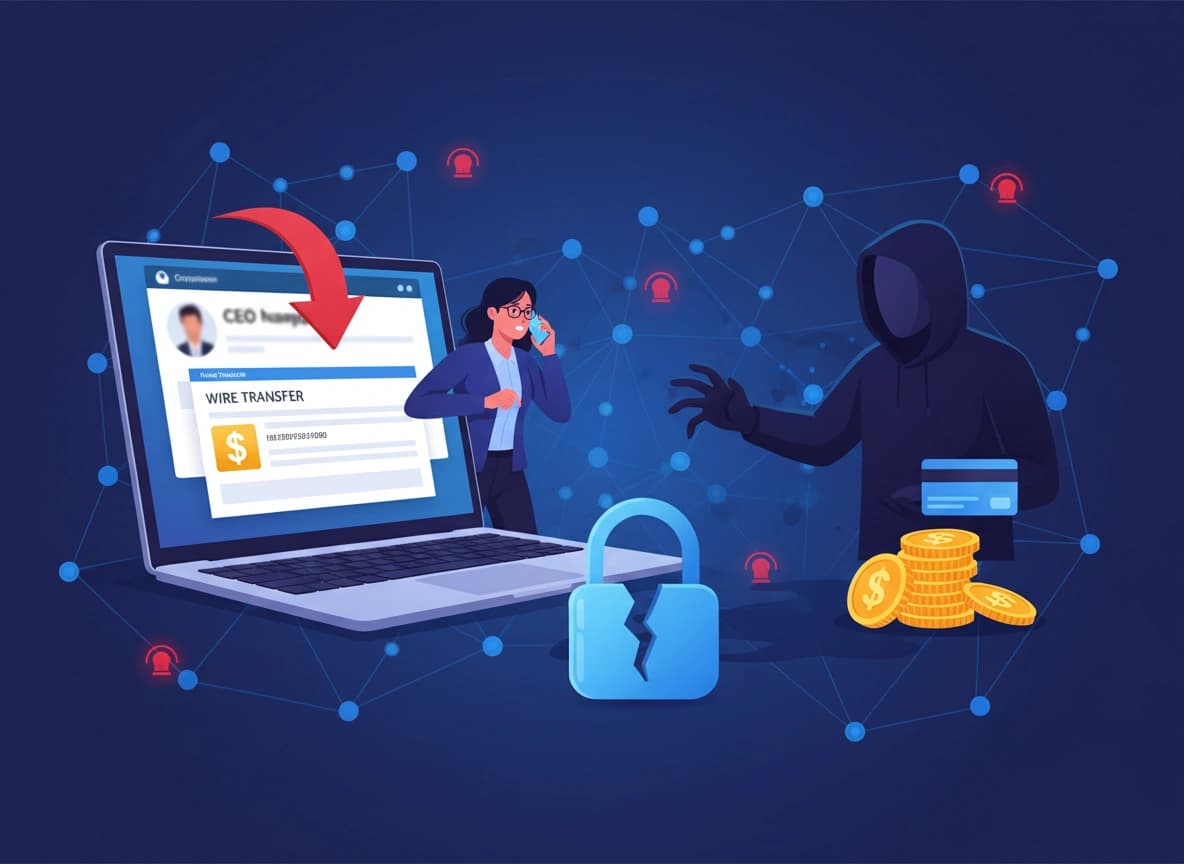
Passkeys can prevent users from accidentally submitting their private authentication credentials to phishing websites, but they cannot stop every form of social engineering. Cybercriminals can still manipulate people into taking actions that compromise their accounts.

5. Compromised Passkey Providers and Cloud Accounts

Many passkeys can be synchronized across multiple devices through credential managers and cloud-based services. For example, users may store and synchronize passkeys through Apple Passwords and iCloud Keychain, Google Password Manager, or supported third-party password managers. This makes passkeys more convenient because users can access their credentials from multiple devices without manually transferring them. However, synchronization introduces another important security consideration: the account and infrastructure responsible for managing those credentials. If attackers compromise a user's cloud account or gain unauthorized access to the credential-management ecosystem, they may threaten the security and availability of synchronized credentials.

6. Vulnerabilities in Websites and Passkey Implementations

Passkeys rely on websites and applications correctly implementing authentication standards. Although the underlying FIDO and WebAuthn technologies provide strong security protections, implementation mistakes can undermine them. For example, a website could introduce vulnerabilities in its account management, credential registration, authentication verification, or session handling processes. Attackers may exploit these weaknesses to manipulate account associations, register unauthorized credentials, or bypass security checks. The Open Worldwide Application Security Project (OWASP) highlights several risks that developers must address when implementing passkeys. These include compromised authenticated sessions being used to register attacker-controlled passkeys, insecure account recovery, incorrect credential-to-account associations, and weaknesses in session management.

7. Physical Device Theft

Passkeys are generally protected by a device's local authentication mechanisms, such as a fingerprint, facial recognition, or PIN. However, losing a smartphone or laptop can still create security risks, particularly if the device is stolen while unlocked or the attacker knows the device's PIN. For example, someone who gains access to an unlocked smartphone may be able to access applications, retrieve sensitive information, or use credentials available through the device's credential manager. The risk depends on the device's security configuration, the authenticator's protection mechanisms, and the applications involved.

8. Malicious Browser Extensions and Applications

Browser extensions and applications can introduce additional security risks when they have excessive permissions or come from untrusted developers. A malicious extension may monitor browsing activity, manipulate website content, or attempt to steal information from authenticated sessions. Similarly, malicious applications may imitate real password managers or trick users into providing sensitive account information. While a properly implemented passkey is not exposed to an ordinary phishing page, malicious software operating within a compromised environment may target the user, browser, or authenticated session instead.

How Users Can Protect Their Passkeys

1. Use Trusted Passkey Providers

Create and manage passkeys through trusted credential managers and supported operating system features. Avoid unfamiliar applications that claim to offer passwordless authentication without providing clear information about their security practices.

2. Secure Your Primary Devices

Use strong device PINs, enable biometric authentication where available, and configure automatic screen locking. Install operating system and browser updates promptly to reduce the risk of attackers exploiting known vulnerabilities.

3. Protect Your Cloud Accounts

If your passkeys are synchronized through a cloud account, make sure the account itself is properly protected. Use strong authentication, secure recovery options, and alerts for suspicious account activity.

4. Maintain Secure Account Recovery Options

Review the recovery methods associated with important online accounts. Protect your recovery email address and phone number, and be cautious of unexpected requests to reset credentials or register new devices.

5. Avoid Suspicious Authentication Requests

Never approve authentication requests that you did not initiate. Be particularly careful when someone contacts you unexpectedly and asks you to scan a QR code, connect another device, or approve a login.

6. Use Hardware Security Keys for Sensitive Accounts

For high-value accounts, consider using hardware security keys that support FIDO authentication. These can provide device-bound credentials and additional control over where authentication keys are stored.

7. Protect Your Browser and Applications

Avoid installing untrusted browser extensions and applications. Review permissions regularly and remove software you no longer use or do not recognize.

8. Secure Your Active Sessions

Sign out of unfamiliar devices, review active sessions, and revoke access when you suspect an account has been compromised. Where available, enable security alerts and additional protections for sensitive account activities.

The Future of Passwordless Authentication

Passkeys are an important development in online authentication because they address several weaknesses that have made passwords difficult to secure. Their adoption by major technology companies and support across modern operating systems and browsers are helping move passwordless authentication into everyday use. As more websites and applications adopt passkeys, users may gradually become less dependent on traditional passwords. However, the transition will not happen overnight. Many online services still rely on passwords, and organizations must account for legacy systems, account recovery, user accessibility, and compatibility challenges. There will also be continued efforts by cybercriminals to find weaknesses in the systems surrounding passwordless authentication. Rather than focusing exclusively on stealing passwords, attackers may increasingly target authenticated sessions, compromised devices, cloud accounts, recovery procedures, and vulnerabilities in passkey implementations. The future of authentication will therefore depend not only on stronger credentials but also on securing the entire identity and access management process.

Conclusion

Passkeys are one of the strongest alternatives to traditional password-based authentication available today. However, being phishing-resistant does not mean being completely immune to cyberattacks. Passkeys may not eliminate every way hackers compromise accounts, but they make one of the most common attack paths, stealing and reusing login credentials, considerably harder to exploit.
44 views
00 shares

Discussion about this post

Comments are reviewed before they appear on the article.

No comments yet. Be the first to start the discussion.

Frequently asked questions

Newsletter

Stay in the Loop.

Subscribe to our newsletter to receive the latest news, updates, and special offers directly in your inbox. Don't miss out!