Short Answer
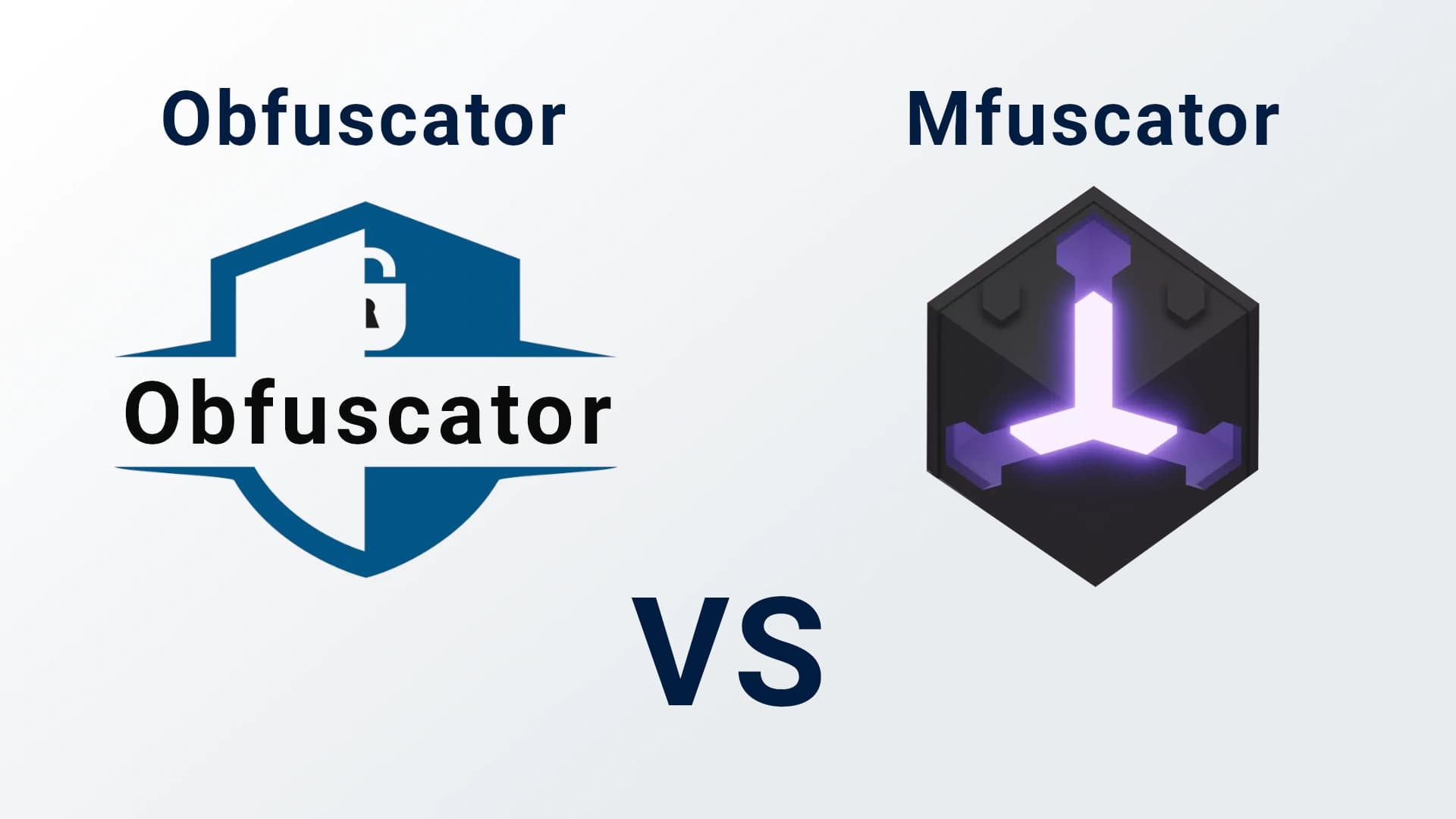
GuardingPearSoftware Obfuscator is a broad Unity protection tool. It works across all three Unity scripting backends - Mono, CoreCLR, and IL2CPP - and it is made for everyday Unity developers who want strong, practical protection inside their normal Unity workflow. Mfuscator is a specialized IL2CPP hardening tool. The older Asset Store version focused on IL2CPP metadata protection. The newer Mfuscator platform has moved to a cloud-based system with deeper binary protection. In simple words:- Choose GuardingPearSoftware Obfuscator if you want an all-in-one Unity obfuscation layer that protects your game code on Mono, CoreCLR, and IL2CPP.
- Choose Mfuscator if you need Mfuscator's cloud services or VM-level IL2CPP binary hardening.
Quick Comparison
| Topic | GuardingPearSoftware Obfuscator | Mfuscator |
|---|---|---|
| Main focus | Broad Unity code protection + IL2CPP metadata encryption | Specialized IL2CPP binary protection |
| Scripting backends | Mono, CoreCLR, and IL2CPP | IL2CPP |
| Workflow | Runs inside the Unity build process | New version uses a cloud platform and SDK |
| Protection style | Renaming, string obfuscation, fake code, control flow, integrity checks, IL2CPP global-metadata.dat encryption, assembly watermarking, and more | IL2CPP metadata protection, export removal, binary mutation, VM-based protection |
| Ownership watermarking | Yes, hidden fingerprint with an in-editor verify tool | Not a focus |
| Best fit | Developers who want a practical all-in-one protection layer | Developers focused on deep IL2CPP build hardening |
| Setup idea | Unity-native and plug-and-play | SDK connects builds to Mfuscator cloud processing |
| Internet need | Local Unity workflow | Shipped games do not need internet, but protected builds are processed through the cloud |
What GuardingPearSoftware Obfuscator Does
GuardingPearSoftware Obfuscator is built for Unity projects. It understands Unity-specific parts likeMonoBehaviour, ScriptableObject, serialization, reflection, Unity events, and build pipelines. It supports all three Unity scripting backends - Mono, CoreCLR, and IL2CPP - so the same managed protection applies no matter which backend your game uses.
Its goal is simple: make your game much harder to read, copy, and change.
It can protect your project with features like:
- Renaming classes, methods, fields, properties, events, namespaces, and parameters.
- String obfuscation, so readable text is not easy to pull from the build.
- Random fake code, which adds noise and makes analysis slower.
- Method control flow protection for Mono builds.
- Debug and disassembler suppression.
- Code integrity checks to help detect tampering.
- Assembly signing for supported build types.
- IL2CPP global-metadata.dat encryption.
- Assembly watermarking that embeds hidden ownership fingerprints.
- Mapping files, so your team can still understand crash reports after obfuscation.
global-metadata.dat is encrypted it already carries your obfuscated names. That gives IL2CPP builds two layers at once: renamed symbols inside encrypted metadata.
This makes it a strong choice when you want one clear protection layer that fits into normal Unity development.
What Mfuscator Does
Mfuscator started as a Unity Asset Store package for IL2CPP protection. The legacy package protects Unity IL2CPP builds with techniques like layout-randomized metadata encryption, export modification, and initialization pattern obfuscation. That is a more focused area than normal C# obfuscation. Instead of mainly changing the names and shape of your managed game code, Mfuscator focuses on the IL2CPP build output and tries to make automatic dumping and deep binary analysis harder. Mfuscator has also made a major change. The old standalone package is entering deprecation and maintenance, while the new Mfuscator has moved to a dedicated cloud platform. The new system removes metadata and export functions and uses a custom HV engine that creates polymorphic virtual machine interpreters on every build. The new Mfuscator is a cloud-based build extension. It hooks into the Unity build process, sends compiled build artifacts for processing, and then puts protected binaries back into the output. The final game does not need an internet connection after it is shipped.The Biggest Difference: Breadth vs Depth
The easiest way to compare these tools is breadth vs depth. GuardingPearSoftware Obfuscator is broad. It protects many parts of your Unity code and build across Mono, CoreCLR, and IL2CPP. It is a good fit when you want a practical security layer that covers common reverse engineering problems without changing how your team builds games. With IL2CPP global-metadata.dat encryption, it also reaches into the IL2CPP metadata layer. Mfuscator is deep and specialized. It focuses on IL2CPP binary protection. Its differentiation today is the deeper end of that work: cloud processing, binary mutation, and VM-based interpreters generated on every build. Both ideas can be useful. They simply serve different needs. There is also an important technical difference between encryption and obfuscation. The legacy Mfuscator package mainly protected IL2CPP metadata with symmetric encryption. Symmetric encryption is useful, but it is still encryption. If an attacker finds the key or understands the decrypt process, the protected metadata can be decrypted again. Obfuscation works differently. It does not just lock the original code behind a key. It changes names, strings, structure, and sometimes method flow. A renamed method cannot simply be "decrypted" back to its original name unless you have the mapping file. Fake code, changed structure, and control flow changes also cannot be cleanly merged back into the original project by pressing one button. That is why obfuscation is so useful as a first protection layer. It removes meaning from the code and makes reverse engineering slower, even when an attacker can open parts of the build. In GuardingPearSoftware Obfuscator, the IL2CPP metadata encryption sits on top of this: it is a complementary layer wrapped around code whose names are already obfuscated, not a replacement for obfuscation. This does not mean the two approaches must fight each other. If a project needs both broad Unity code protection and deep IL2CPP hardening, GuardingPearSoftware Obfuscator and a specialized tool like Mfuscator can also be combined in the same security strategy.Why Many Unity Developers Start With Obfuscator
Most Unity teams first need protection against common attacks:- Someone opening assemblies and reading class or method names.
- Someone searching for important strings.
- Someone copying game logic.
- Someone making simple cheats or patches.
- Someone trying to understand the project quickly with public tools.
When Mfuscator Makes Sense
Mfuscator may be interesting when your project has a very strong IL2CPP security need. For example, you may care most about:- Breaking IL2CPP dumpers.
- Making native binary analysis harder.
- Protecting specific high-risk IL2CPP builds.
- Using cloud processing for heavy protection work.
- Adding a specialized hardening layer after your normal build is ready.
Important Note About Mfuscator's Move to Cloud
One important point is that Mfuscator is no longer only the old standalone Asset Store package. The legacy standalone package is moving into deprecation and maintenance. Current users are guided to move to the new platform. There, they can use their Unity invoice number to claim legacy credit balance. So if you compare the tools today, you should compare GuardingPearSoftware Obfuscator with the current Mfuscator cloud platform, not only the older Asset Store package. This matters because the workflow is different. With GuardingPearSoftware Obfuscator, the focus is a Unity-native local build workflow. With the new Mfuscator, the focus is cloud-based processing of compiled build artifacts.Which One Should You Pick?
Pick GuardingPearSoftware Obfuscator if you want:- A broad Unity protection suite.
- Support for Mono, CoreCLR, and IL2CPP builds.
- Easy setup inside Unity.
- Protection for names, strings, code structure, and tamper checks.
- IL2CPP global-metadata.dat encryption.
- Ownership watermarking and build traceability.
- A tool that fits normal Unity builds.
- A good first security layer for most Unity games.
- A specialized IL2CPP hardening platform.
- Cloud processing for protected builds.
- Deep binary-level protection.
- VM-based protection and engine-level mutation.
- A tool focused mainly on IL2CPP reverse engineering.