How to use the Play Integrity API in your Unity game
The Play Integrity API tells your server whether a request comes from your real game, on a real device, installed from Google Play. Here is how to set it up and use it in Unity.
By Tim UhlottFounder|Last updated: November 9, 2026|8 minutes read
cybersecurityandroidintegrity
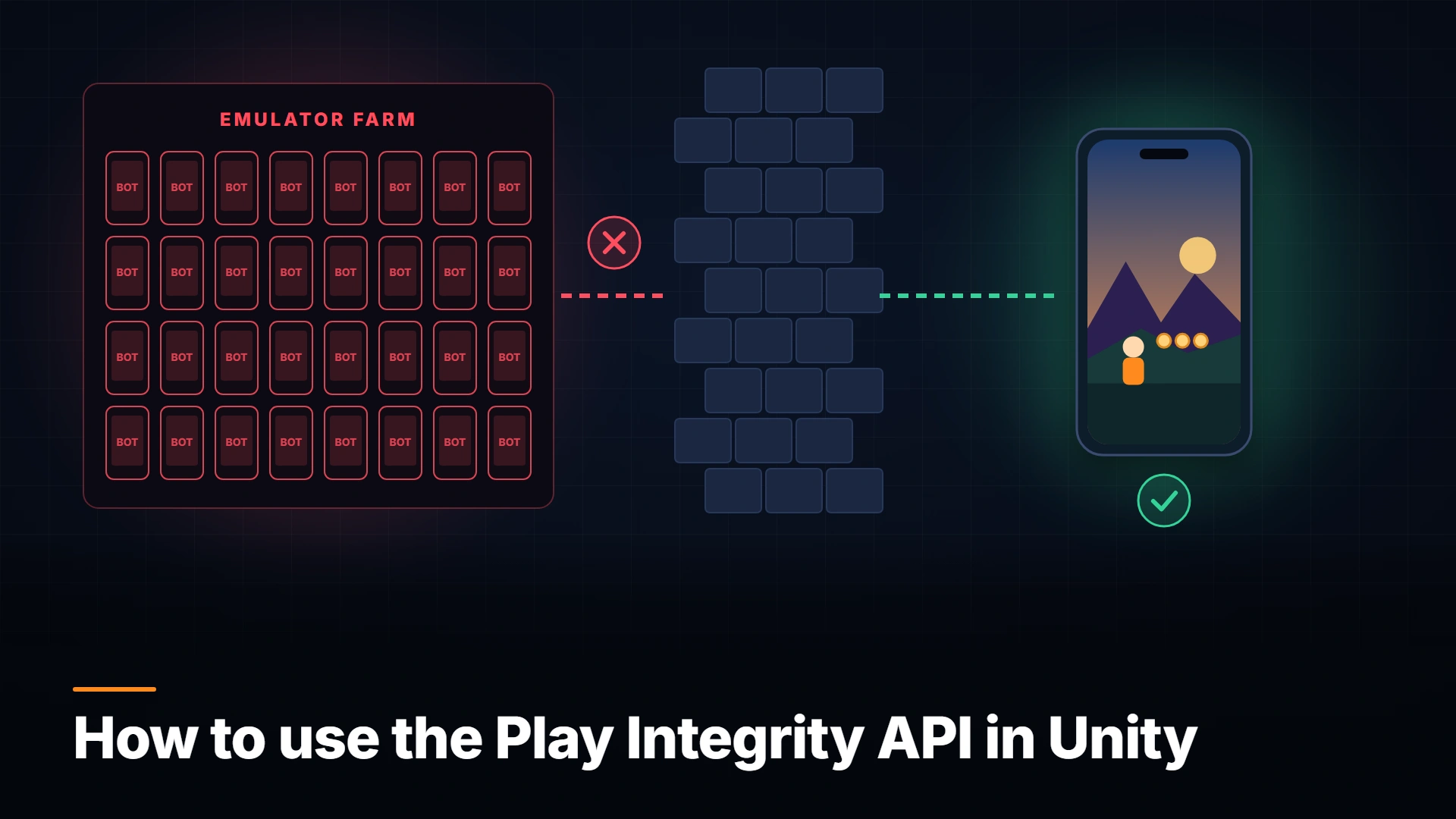
Your Android game talks to a server. It submits scores, grants rewards, and validates purchases. The server has no idea who is on the other side. It could be your real game on a normal phone. It could also be a modded APK on a rooted device, or a bot script on an emulator that sends the same "I won" request a thousand times.Google's Play Integrity API gives your server a way to ask that question. Let us look at what it is, how to set it up, and how to call it from Unity.
What is the Play Integrity API?
Play Integrity is a Google Play service that checks three things about the app that is calling your server:
Is this your app? Is the package and signing certificate the one Google Play distributed?
Is this a real device? Is it a genuine, certified Android device, or a rooted phone or a failing emulator?
Did the player get it from Google Play? Is the user account licensed for your game?
Your game asks Google Play for an encrypted integrity token and sends it to your backend. Your backend asks Google to decrypt it and gets back a plain JSON verdict. The decision happens on your server. The client only carries the token.It replaced the old SafetyNet Attestation API.
What the verdict tells you
These are the default fields you will check most often:
Field
Good value
What a bad value usually means
appIntegrity.appRecognitionVerdict
PLAY_RECOGNIZED
UNRECOGNIZED_VERSION: a modified or re-signed APK
deviceIntegrity.deviceRecognitionVerdict
MEETS_DEVICE_INTEGRITY
Empty: rooted, hooked, or an emulator
accountDetails.appLicensingVerdict
LICENSED
UNLICENSED: sideloaded or pirated copy
On Android 13 and newer, MEETS_DEVICE_INTEGRITY needs hardware-backed proof (opens in a new tab) that the bootloader is locked and the OS is a certified image. That makes it much harder to fake than older software checks.In the Play Console you can opt in to extra signals. MEETS_STRONG_INTEGRITY means a recent security update. Recent device activity tells you if one device asks for suspiciously many tokens per hour. App access risk shows if apps that can capture the screen or control input are running. Those last two help against bots and auto-clickers.
Takeaway: The verdict answers "is this my unmodified game, on a real device, installed from Play?" Your server decides what to do with the answer.
In the Play Console, open your game, go to Protected with Play, and next to Play Integrity API click Link Cloud project. You need this link for the optional verdicts, testing tools, and a higher quota.
Write down the Cloud project number. Unity needs it.
In that Cloud project, create a service account for your backend. Your server uses it to decrypt tokens.
The default quota (opens in a new tab) is 10,000 token requests and 10,000 decryptions per day. If you expect more, request an increase early, because it can take up to a week.
How to use Play Integrity in Unity
Google ships an official plugin. Add it through OpenUPM (openupm add com.google.play.integrity) or import the .unitypackage from GitHub (opens in a new tab). You need plugin version 2.0.0 or newer for the code below.There are two request types. Standard requests are the ones I would use for a game. You "warm up" a token provider once, and then each token request is fast. Classic requests are slower and meant for rare, high-value moments.Here is a small component that prepares the provider at startup and then requests a token bound to a score submission:
usingSystem;usingSystem.Collections;usingSystem.Security.Cryptography;usingSystem.Text;usingGoogle.Play.Integrity;usingUnityEngine;publicclassIntegrityClient:MonoBehaviour{[SerializeField]privatelong cloudProjectNumber;privateStandardIntegrityManagerV2.StandardIntegrityTokenProvider provider;privateIEnumeratorStart(){var manager =newStandardIntegrityManagerV2();var prepare = manager.PrepareIntegrityToken(newPrepareIntegrityTokenRequest(cloudProjectNumber));yieldreturn prepare;if(prepare.Error !=null&& prepare.Error.ErrorCode != StandardIntegrityErrorCode.NoError){ Debug.LogWarning("Integrity warm-up failed: "+ prepare.Error.ErrorCode);yieldbreak;} provider = prepare.GetResult();}publicIEnumeratorSubmitScore(string playerId,int score){string body =$"{playerId}|{score}";string requestHash =Hash(body);var request = provider.Request(newStandardIntegrityTokenRequest(requestHash));yieldreturn request;if(request.Error !=null&& request.Error.ErrorCode != StandardIntegrityErrorCode.NoError){yieldbreak;// Retry, or send without a token and let the server decide.}string token = request.GetResult().Token;// Send body + token to your backend with UnityWebRequest.}privatestaticstringHash(string text){usingvar sha = SHA256.Create();return Convert.ToBase64String(sha.ComputeHash(Encoding.UTF8.GetBytes(text)));}}
The requestHash is the important detail. It ties the token to this request. If someone intercepts the call and changes the score from 120 to 999999, the hash on your server no longer matches the one inside the token.If the provider expires with INTEGRITY_TOKEN_PROVIDER_INVALID, just prepare a new one.
How to verify the token on your server
Never decrypt the token in the game. Send it to your backend. With the Google.Apis.PlayIntegrity.v1 NuGet package, an ASP.NET server could do this:
Also check requestPackageName and that timestampMillis is recent. Google blocks token reuse on its side: a token decrypted twice comes back with empty verdicts.
Why Play Integrity helps your game
A lot of mobile cheating starts with a modified APK or a rooted phone. With Play Integrity, your server can see both before it hands out currency or writes a leaderboard entry. Pirated sideloaded copies show up as UNLICENSED. Bot farms on emulators fail the device check.I would not hard-ban on the first bad verdict, though. Use it in tiers. A failed check can mean "no ranked play" or "no rewards", while the game itself still runs. Honest players with custom ROMs fail it, and players on devices without Google Play get no verdict at all.And it is not a full anti-cheat. A cheater on a genuine, unrooted phone can still pass. Play Integrity protects the server boundary. It does not see memory editing inside a clean device, and it does not hide your code.
Takeaway: Play Integrity tells your server whether to trust the client. Pair it with server-side validation and client-side protection, and you close the cheapest attack paths.
Conclusion
Set up the Cloud project. Add the Unity plugin. Warm up the provider at launch, bind tokens to requests with a hash, and check the verdict on your server. Start with soft consequences and tighten them once you see real data.For the part Play Integrity cannot see, memory edits and speed hacks on the device itself, take a look at GuardingPearSoftware Anti-Cheat.
00 views
00 shares
Discussion about this post
No comments yet. Be the first to start the discussion.