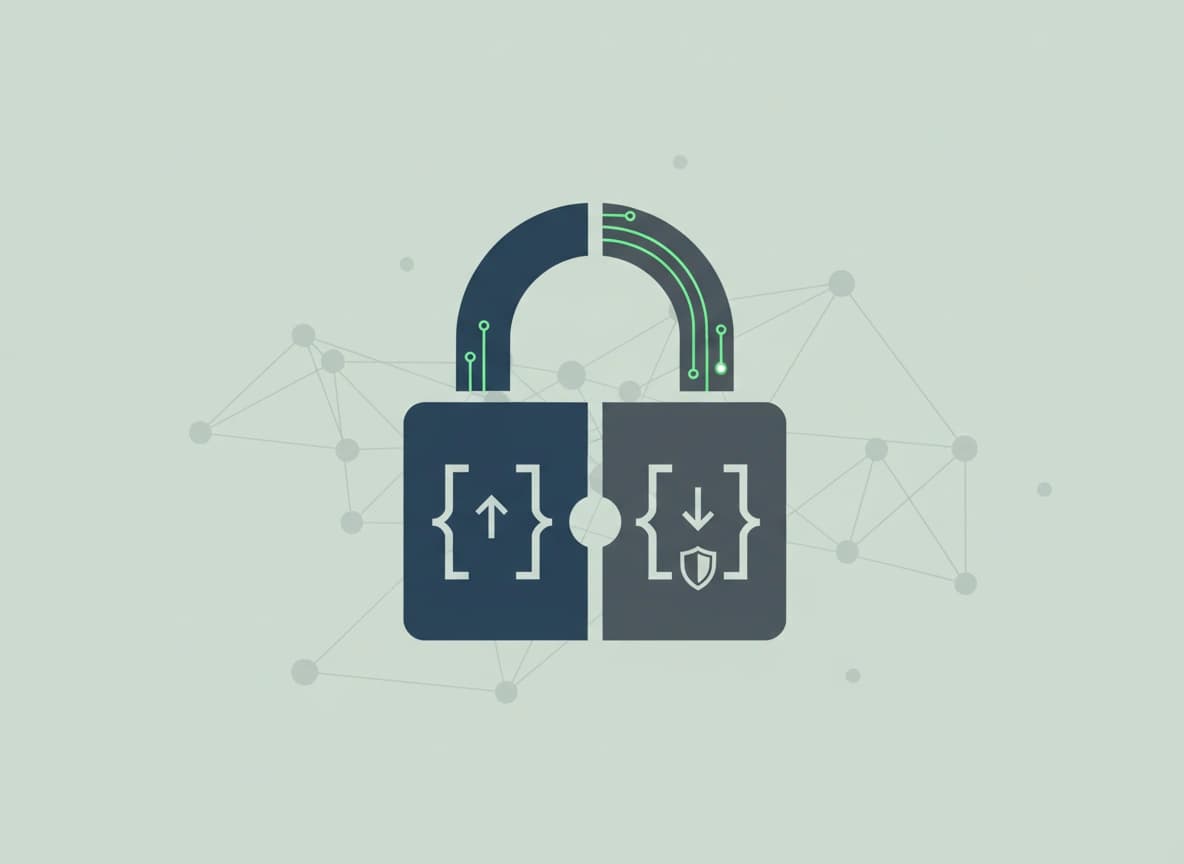
How Private Are VPNs Really? What You Need to Know

Understanding what a VPN actually protects and where its limits lie can help you use one more effectively.
By Hirum KigothoTeam|Last updated: September 26, 2026|13 minutes read
cybersecurity
How Private Are VPNs Really? What You Need to Know
Virtual private networks (VPNs) have become widely used by people looking for greater privacy and security while browsing the internet. A VPN can change how your internet traffic is routed and how your online connection appears to websites and other services. However, many people still wonder how private they really are when using one. Understanding what a VPN can and cannot protect is important before relying on one as a complete privacy solution. In this article, we explore how VPNs work, how private they really are, and the limitations users should understand before relying on them for online privacy.

How a VPN Works

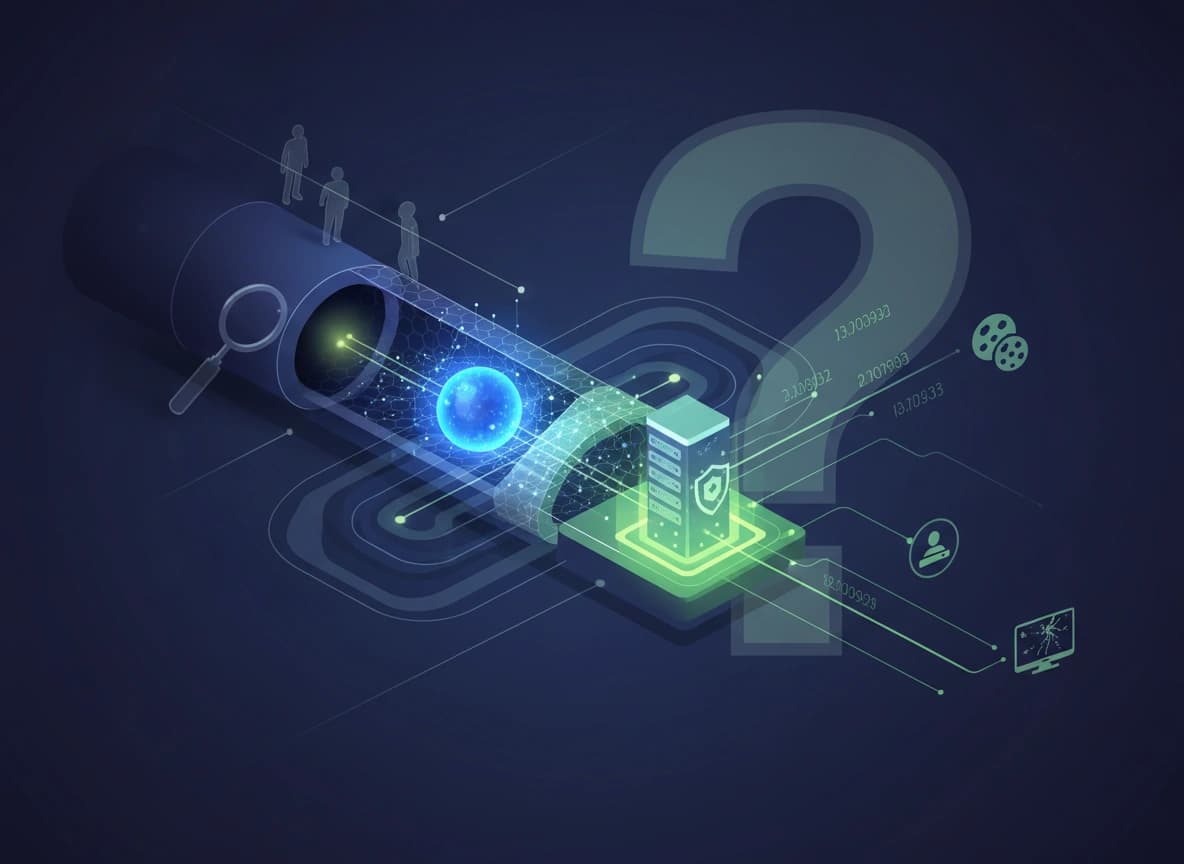
When you connect to the internet without a VPN, your device normally communicates through your Internet Service Provider (ISP). Your ISP can see information such as the IP addresses you connect to and, depending on the connection and other technical factors, additional information about your internet activity. A VPN hides your real IP address by routing your internet connection through a remote server operated by the VPN provider. As a result, websites and online services generally see the VPN server’s IP address rather than the one assigned to your device. A VPN also encrypts the traffic traveling between your device and the VPN server, making the information difficult for outsiders to understand if they intercept it.

Types of VPNs

1. Remote Access VPN

A remote access VPN allows an individual user to securely connect to a private network over the internet. For example, an employee working from home can use a VPN to connect to their company's internal systems. The VPN creates an encrypted connection between the employee's device and the organization's network.

2. Site-to-Site VPN

A site-to-site VPN connects two or more separate networks securely over the internet. For example, a company with offices in New York and London can use a site-to-site VPN to connect both office networks. Employees can then access resources across locations as if the networks were directly connected.

3. Client-to-Site VPN

A client-to-site VPN is similar to a remote access VPN. It connects an individual device to an organization's private network using dedicated VPN software or a built-in VPN client. Once connected, the user's device can securely access authorized company resources.

4. Personal or Consumer VPN

A personal VPN is designed for individual users who want to add privacy and security to their internet connections. It routes internet traffic through a VPN provider's server, masking the user's public IP address and encrypting traffic between the device and VPN server.

What a VPN Cannot Do and Its Limits

1. A VPN Does Not Make You Anonymous

A VPN can hide your IP address from websites, but an IP address is only one piece of information used to identify or track users. Websites and online services can use many other techniques. Cookies can remember users between visits. Browser fingerprinting can identify characteristics of a device and browser. Account logins can directly associate activity with an individual. Advertising technologies can also connect activity across websites and services. For example, if you connect to a VPN and then sign into your Google, Microsoft, Facebook, or other online account, the service already knows who is using that account. The VPN does not change that. Similarly, if a website uses browser fingerprinting or other tracking technologies, changing your IP address may not be enough to prevent it from recognizing your browser.

2. It Does Not Replace HTTPS

Another common misconception is that a VPN replaces HTTPS. It does not. HTTPS encrypts the connection between your browser and a website. A VPN encrypts traffic between your device and the VPN server. These protections operate at different points in the connection. For example, when you visit an HTTPS website through a VPN, your traffic benefits from both protections. The VPN protects the connection between you and the VPN server, while HTTPS protects the connection between your browser and the website. HTTPS remains important even when a VPN is being used. If you access an insecure HTTP website, the VPN cannot magically turn that website's connection into HTTPS. The VPN protects one portion of the journey, not every part of the communication from end to end.

3. VPNs Can Protect Your IP Address, But Not Your Identity Everywhere

Your IP address can reveal information about your approximate geographic location and network provider. A VPN can replace your normal public IP address with the address of its VPN server. This can reduce the amount of location information directly exposed to websites. However, VPN servers are not invisible. Websites and online services can identify known VPN and data-center IP ranges. Some services actively block or challenge connections coming from VPN servers because they are associated with fraud, automated activity, account abuse, or attempts to bypass geographic restrictions. A VPN therefore does not guarantee that a website will be unable to determine that you are using one.

4. A VPN Cannot Stop Malware

Although a VPN can hide your IP address and encrypt the connection between your device and the VPN server, its protection has limits. A VPN cannot prevent you from falling victim to phishing websites or downloading malicious or compromised files. Even with a VPN enabled, your device can still be exposed to malware such as viruses and trojans. If any of these threats successfully infect your device, they can still compromise or damage the system. A VPN does not remove malware or protect an already compromised device, so additional security measures are still necessary.

5. It is not a guarantee against lawful investigation

A VPN does not provide guaranteed protection from government investigations or legal requests. Depending on the circumstances, authorities may obtain information from VPN providers, websites, ISPs, payment processors, device manufacturers, or other organizations. If a VPN provider retains relevant connection records, those records could become available through legal processes where applicable. Even when a VPN provider does not retain extensive logs, investigators may have other ways to identify a person, including account records, endpoint evidence, payment information, seized devices, browser data, or activity on online services.

6. VPNs Can Still Leak Information

VPN connections can sometimes expose information that users expected to remain private. One example is a DNS leak. The Domain Name System, or DNS, translates domain names such as example.com into IP addresses. If DNS requests are sent outside the VPN tunnel, another provider may be able to see which domains your device is trying to resolve. Modern VPN applications often include protections designed to prevent these leaks, but users should not assume that every VPN configuration is automatically secure. Testing the configuration can help identify whether DNS requests, IP addresses, or other information are being exposed.

7. Free VPNs Require Extra Caution

The phrase "free VPN" can sound attractive, especially to people who want privacy without paying for a subscription. But operating VPN infrastructure costs money. Servers, bandwidth, development, security, customer support, and other infrastructure all have costs. If users are not paying directly, it is worth asking how the service makes money. Some free VPN services may have advertising-supported business models. Others may impose restrictions on bandwidth or server locations. There have also been cases where questionable VPN applications raised concerns about excessive data collection, security practices, or the handling of user information. This does not mean every free VPN is unsafe. It does mean users should investigate the provider rather than assuming that a VPN is trustworthy simply because it promises privacy.

How to Choose a More Privacy-Focused VPN

1. No-Logs Policy

A clear and well-defined no-logs policy is an important feature to look for when choosing a VPN. A provider that claims not to keep logs should clearly explain what information it does and does not collect. However, users should be careful with the term "zero logs," because it does not necessarily mean the company collects absolutely no information. Some providers may still retain basic account, payment, or diagnostic data. Read the privacy policy carefully to understand what information is stored and for how long.

2. Verifiable Third-Party Audits

Independent third-party audits can provide additional evidence that a VPN provider's privacy and security claims match its actual practices. An external audit may examine areas such as logging procedures, infrastructure, security controls, or privacy policies. Look for providers that make credible audit reports available to the public rather than relying solely on their own marketing claims. An audit is not a guarantee that a provider is risk-free, but it can provide greater transparency.

3. Kill Switch

A kill switch is an important security feature that can prevent your device from accidentally using your normal internet connection if the VPN connection drops. Without one, your traffic could temporarily leave the VPN tunnel, potentially exposing your real IP address and connection to your ISP. A kill switch is particularly useful for users who want their traffic to remain routed through the VPN whenever it is active. However, it does not prevent websites or applications from identifying you through other methods.

4. Multiple VPN Protocols

A VPN that supports multiple modern VPN protocols gives users more flexibility when connecting to its servers. Different protocols can offer different combinations of speed, security, reliability, and compatibility. For example, some may perform better on mobile networks, while others may provide better performance on certain devices or networks. Rather than simply choosing a provider because it offers many protocols, check that it supports well-established and actively maintained technologies.

5. Multiple Server Locations

Having a wide range of server locations can give users more choices about where their internet connection appears to originate. It can also help users select a server that is geographically closer to them, which may reduce latency and improve connection performance. Server availability can also be useful when accessing services that impose geographic restrictions. However, having thousands of servers does not automatically make a VPN more private or secure, so server quantity should not be the only factor considered.

6. Dedicated Servers

Some VPN providers offer specialized or dedicated servers designed for particular purposes. Depending on the provider, these may be optimized for activities such as streaming, gaming, or peer-to-peer traffic. A specialized server may provide better performance or be configured for a specific use case. However, users should check exactly what "dedicated" means in the provider's offering, as the term can refer to different types of infrastructure.

7. Consider the Provider's Overall Reputation

Beyond individual features, consider the VPN provider's track record, ownership, privacy practices, security history, and transparency. A VPN can advertise strong encryption and advanced features while still having questionable data-handling practices. Look for clear privacy policies, regular software updates, transparent responses to security incidents, and evidence that the company takes user privacy seriously.

Conclusion

VPNs can be a valuable privacy and security tool, but they are not a complete solution for staying anonymous online. They can hide your IP address, encrypt traffic between your device and the VPN server, and help you access restricted content, but their protection has clear limitations. Using a VPN does not eliminate risks such as phishing, malware, account compromise, or online tracking. Protecting your privacy therefore also depends on practicing good cybersecurity habits, using secure accounts, keeping your devices updated, and being careful about the websites and files you interact with.
00 views
00 shares

Discussion about this post

Comments are reviewed before they appear on the article.

No comments yet. Be the first to start the discussion.

Newsletter

Stay in the Loop.

Subscribe to our newsletter to receive the latest news, updates, and special offers directly in your inbox. Don't miss out!