What localization really means in game development
Localization is often misunderstood as “just translation”. But in reality, it goes much deeper. Localization means adapting your game to a specific market so that it feels native to players in that region. This includes:- Language (UI, dialogues, tutorials)
- Cultural references (humor, symbols, storytelling)
- Formats (date, time, numbers, currency)
- Visual elements (colors, icons, gestures)
- Legal and platform requirements
Why localization matters beyond translation (culture, context, player experience)
Players engage emotionally with games. If something feels “off”, immersion breaks instantly. A joke that works in English might fall flat in Japanese. A symbol that is harmless in one culture could be offensive in another. Even UI layout can feel unnatural depending on reading direction or conventions. Localization solves this by aligning your game with cultural expectations. The result:- Higher immersion
- Better player trust
- Stronger emotional connection
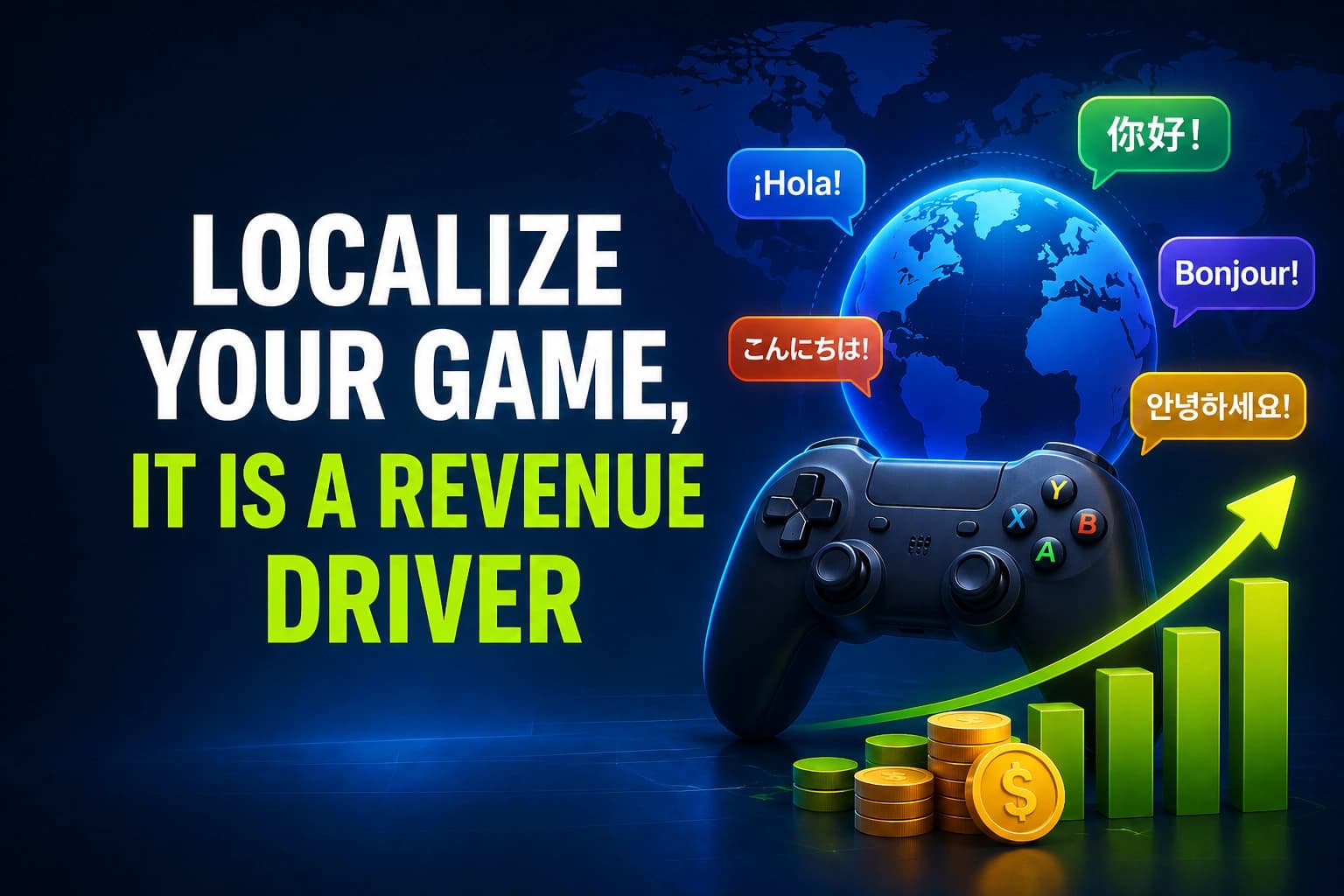
Localization as a revenue driver
Let’s talk numbers. Localization is not just about accessibility. It directly impacts revenue. Here is what research consistently shows:- Players are 4x more likely to purchase a game in their native language
- Around 72% of users prefer buying in their own language
- Fully localized games generate 35% to 45% more revenue in target markets
- In some cases, sales can increase dramatically (e.g. up to 8x after adding a major language)
Key data and statistics on localization impact
| Metric | Impact of localization |
|---|---|
| Target market revenue | +35% to +45% |
| Conversion rates | +40% to +60% |
| Regional sales lift | +128% to +200% |
| App store downloads | +128% within 1 week |
| Player retention | +25% to +50% |
| In-app purchase rates | +35% to +42% |
Global markets you cannot ignore
The global gaming audience is massive and diverse. If you are only targeting English-speaking players, you are missing most of the market.| Country | Revenue (USD billions) | Gamer count (millions) | Spend per player (USD) |
|---|---|---|---|
| China | 48.7 | 702 | 67.7 |
| USA | 47.6 | 221 | 215.0 |
| Japan | 16.6 | 74.1 | 233.0 |
| South Korea | 7.1 | 33.9 | 226.0 |
| Germany | 6.4 | 52.1 | 123.0 |
| UK | 6.1 | 41.9 | 145.0 |
| Brazil | <2.0 | 115 | 19.7 |
| India | <2.0 | 419 | 3.03 |
How localization improves discoverability and conversion
Localization does not just affect gameplay. It also affects how players find your game.- Around 60% of users browse platforms like steam in non-english languages
- Localized store pages significantly increase visibility
- App store localization can boost downloads by over 100% in a week
Retention, engagement, and long-term value
Getting players is one thing. Keeping them is another. Localized games retain 25% to 50% more players in early stages, especially in emerging markets. Why? Because players understand the game better. Because they feel respected as an audience. Because friction is removed. Better retention leads to:- Higher lifetime value
- More in-app purchases
- Stronger commUnity growth
Cost vs return: is localization worth it?
Localization does have a cost, but the return is usually much higher.| Language tier | Example languages | Cost per word (USD) |
|---|---|---|
| Tier 1 | french, german, spanish, italian | 0.10 – 0.15 |
| Tier 2 | chinese, japanese, korean | 0.12 – 0.18 |
| Tier 3 | eastern europe, nordics | 0.10 – 0.17 |
| Emerging | turkish, thai, arabic | 0.09 – 0.17 |
| Allocation | Priority | Strategy |
|---|---|---|
| 60% | tier 1 | full localization, high quality |
| 30% | tier 2 | translation + subtitles |
| 10% | tier 3 | hybrid (ai + human review) |
Practical tips to get started with localization
If you are new to localization, start simple:- Design your game with localization in mind (avoid hardcoded strings)
- Separate text from code early
- Use flexible UI layouts
- Start with high-impact languages (FIGS, CJK)
- Test with native speakers if possible
Tools to simplify your workflow (easy localization & localeforge)
Localization can quickly become complex, especially in larger projects. That is where good tooling makes a huge difference. If you are working with Unity, I designed those two tools that can significantly speed up your workflow: EasyLocalization EasyLocalization is built to remove the complexity from runtime localization in Unity. Instead of stitching together your own system, it gives you a clean, integrated solution that just works. It handles the heavy lifting for you:- No need for custom localization scripts
- No manual text replacement workflows
- No complex file or asset management
- Seamless integration into your project
- Uses a flat key/value translation system
- Includes built-in country flags
- Comes with a ready-to-use language dropdown
- Remembers the active language across editor restarts