Protecting Corporate Data on Personal Devices: Best Practices for Securing BYOD Workplace

This article explores the challenges of protecting corporate data on personal devices and outlines the best practices organizations can use to secure their workforce without compromising flexibility.
By Hirum KigothoTeam|Last updated: August 7, 2026|12 minutes read
cybersecuritydata
Protecting Corporate Data on Personal Devices: Best Practices for Securing BYOD Workplace
The boundary between personal and professional life has become increasingly blurred. Employees no longer rely solely on company-issued laptops and smartphones to perform their jobs. Instead, many use their personal devices to access corporate email, collaborate with colleagues, edit sensitive documents, and connect to cloud applications from virtually anywhere. This trend, commonly known as Bring Your Own Device (BYOD), has become a standard practice across organizations of all sizes. This article explores the risks associated with BYOD and outlines practical strategies organizations can implement to protect corporate data without compromising employee productivity.

Benefits of BYOD

Lower Hardware Costs BYOD can significantly reduce an organization's technology expenses by shifting some of the cost of purchasing devices to employees. Instead of buying laptops or smartphones for every staff member, organizations may only need to provide software licenses, security tools, or partial reimbursements. This reduction in capital expenditure allows businesses, particularly small and medium-sized enterprises, to allocate more resources toward strategic initiatives such as cybersecurity, innovation, employee training, or business expansion. Greater Workplace Flexibility Allowing employees to use their personal devices supports flexible working arrangements, including remote work and hybrid work models. Employees can securely access company resources from virtually any location without relying on organization-issued equipment. This flexibility enables businesses to maintain operations during travel, emergencies, or unexpected disruptions while supporting a modern workforce that values mobility and work-life balance. Improved Employee Satisfaction Many employees prefer using devices they have personally selected and customized rather than standardized corporate hardware. Familiar devices often provide a more comfortable user experience, enabling employees to work more confidently and efficiently. BYOD can increase job satisfaction by giving staff greater autonomy over how they work, which may contribute to higher employee engagement, improved morale, and better retention rates. Faster Technology Adoption Employees typically replace their personal devices more frequently than organizations refresh corporate hardware. As a result, businesses implementing BYOD often benefit from access to newer smartphones, tablets, and laptops with improved processing power, improved security features, and better battery life. Organizations can take advantage of modern technology without bearing the full cost of frequent hardware upgrades, helping employees work more efficiently with up-to-date devices. Collaboration BYOD enables employees to stay connected through communication and collaboration platforms regardless of their location. Access to messaging applications, video conferencing tools, shared documents, and cloud-based productivity suites allows teams to communicate in real time and collaborate more effectively. This continuous connectivity improves coordination across departments, speeds up decision-making, and supports collaboration among geographically dispersed teams.

The Security Risks of Personal Devices

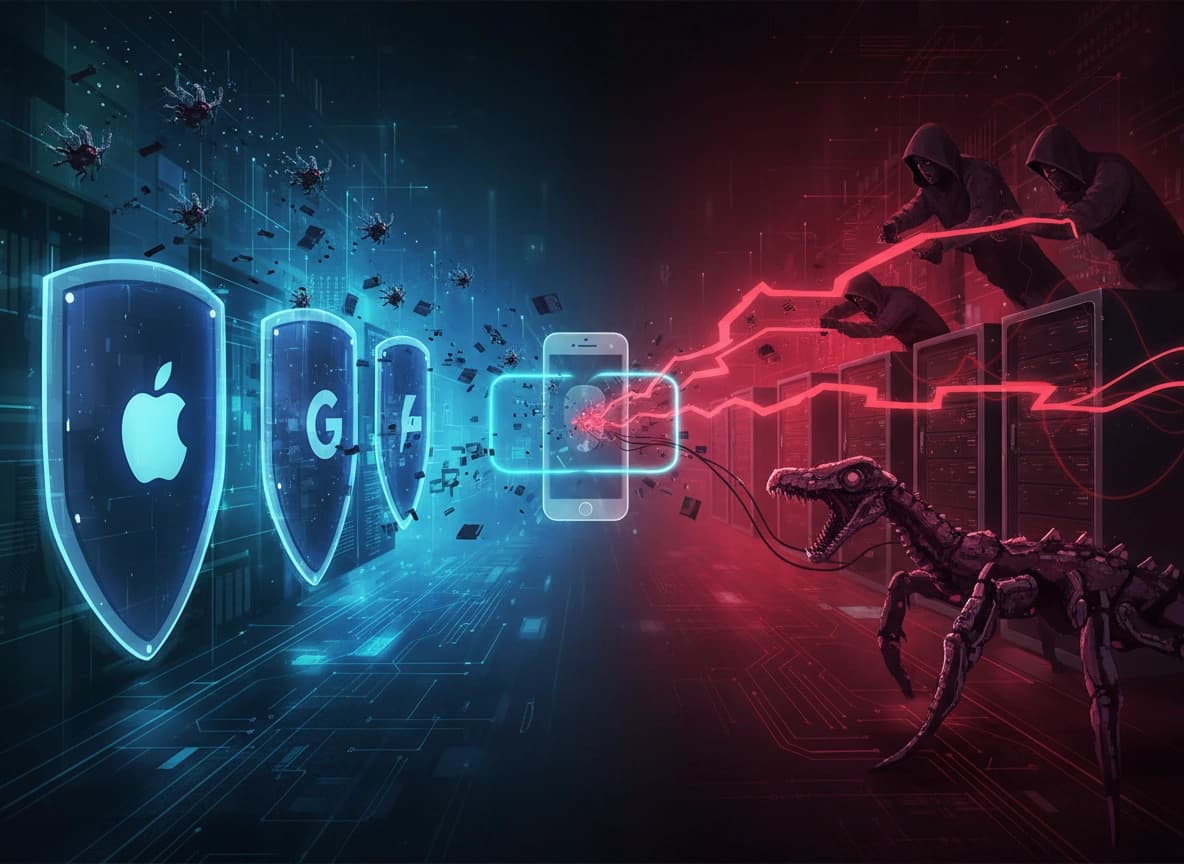
Unlike company-issued devices, personal devices are primarily managed by their owners rather than the IT department. These behaviors create opportunities for attackers. Malware Infections Personal devices frequently download applications from app stores, websites, and third-party sources. Some apps may contain malware capable of stealing credentials, recording keystrokes, or accessing stored files. If an infected device connects to corporate resources, attackers may gain unauthorized access to business data. Lost or Stolen Devices Smartphones and laptops are easily misplaced or stolen. If a device stores corporate emails, documents, authentication tokens, or credentials without encryption, unauthorized individuals may gain access to sensitive company information. Weak Authentication Many users continue to rely on simple passwords or reuse credentials across multiple accounts. If attackers obtain credentials through phishing or data breaches, they may successfully log into corporate systems from compromised personal devices. Unsecured Networks Employees frequently use their personal devices to access corporate resources from coffee shops, airports, hotels, and other public locations where Wi-Fi networks may be open or poorly secured. These environments increase the risk of cyberattacks, including man-in-the-middle attacks, rogue Wi-Fi hotspots, session hijacking, and traffic interception, all of which can allow attackers to intercept sensitive communications or steal credentials. Without strong security measures such as encrypted connections, VPNs, and secure authentication, confidential corporate information transmitted over these networks may be exposed to unauthorized parties. Shadow IT Employees sometimes install unauthorized applications to improve productivity. These unofficial tools may store corporate data outside approved environments, making it difficult for IT teams to monitor or protect sensitive information. Mixing Personal and Business Data Personal devices often contain family photos, social media applications, entertainment software, banking apps, and work documents all on the same system. Without proper separation, corporate files may be accidentally shared, backed up to personal cloud storage, or exposed through consumer applications. Compliance Risks Organizations implementing BYOD programs often face greater challenges in meeting regulatory and data privacy requirements. As employees access and store business information on personal devices, organizations have less direct control over how sensitive data is protected, managed, and removed. Failure to adequately secure customer or corporate information, or to ensure that business data is completely erased from personal devices when employees leave the organization, can result in regulatory violations, financial penalties, legal consequences, and reputational damage.

Best Practices for Protecting Corporate Data

Implement a Clear BYOD Policy Organizations should establish a comprehensive BYOD policy that clearly defines the rules governing the use of personal devices for work. The policy should specify which devices are approved, minimum operating system requirements, mandatory security controls, acceptable use guidelines, employee responsibilities, privacy expectations, and procedures for reporting lost devices or security incidents. It should also explain what business data the organization can access on personal devices and what personal information remains private. A well-defined policy helps ensure that employees understand their responsibilities while providing a consistent framework for securing corporate data. Use Mobile Device Management (MDM) MDM solutions enable organizations to enforce security requirements on employee-owned devices without taking complete control of personal content. These platforms allow IT administrators to require device encryption, enforce screen locks, verify operating system versions, deploy security updates, restrict the installation of high-risk applications, and remotely remove corporate data if a device is lost, stolen, or when an employee leaves the organization. Modern Mobile Application Management (MAM) solutions provide an additional layer of protection by securing only business applications and data while leaving personal files, photos, and applications untouched, helping balance security with employee privacy. Require Multi-Factor Authentication Organizations should require multi-factor authentication (MFA) for all systems that contain sensitive corporate information. Passwords alone are vulnerable to phishing, credential theft, and brute-force attacks, making additional verification essential. By requiring users to provide a second form of authentication, such as an authentication app, hardware security key, or biometric verification, organizations significantly reduce the likelihood of unauthorized access. MFA is especially important for email systems, VPNs, cloud storage platforms, financial applications, human resource systems, and customer databases. Encrypt Sensitive Data Encryption is one of the most effective ways to protect corporate information stored on or transmitted by personal devices. Even if a device is lost or stolen, encrypted data remains unreadable without the appropriate decryption keys. Organizations should ensure that full-disk encryption is enabled on employee devices, sensitive files remain encrypted both at rest and during transmission, secure messaging platforms are used for business communications, and corporate backups are encrypted to prevent unauthorized access. Adopt Zero Trust Principles A Zero Trust security model assumes that no user, device, or connection should be trusted automatically, regardless of whether it originates inside or outside the corporate network. Every access request should be continuously evaluated by verifying user identity, device security posture, login location, risk level, and access permissions. Access should follow the principle of least privilege, ensuring employees can only access the systems, applications, and data required to perform their specific job responsibilities, thereby reducing the impact of compromised accounts or devices. Keep Devices Updated Regular software updates play a critical role in protecting BYOD environments from cyber threats. Operating system and application updates frequently contain security patches that address newly discovered vulnerabilities exploited by attackers. Organizations should require employees to use supported operating system versions and enable automatic updates whenever possible. Maintaining up-to-date devices reduces exposure to known security flaws and strengthens the overall security posture of the organization. Educate Employees Employee awareness is a critical component of any successful BYOD security strategy because technology alone cannot prevent every cyber threat. Organizations should provide regular security awareness training that teaches employees how to recognize phishing attacks, create strong passwords, practice safe browsing habits, secure mobile devices, connect safely to wireless networks, and promptly report suspicious activities. Well-informed employees are more likely to identify potential threats early and follow security best practices, significantly reducing organizational risk. Transparency A successful BYOD program depends on balancing organizational security with respect for employee privacy. Organizations should be transparent about how personal devices are managed, what business data is monitored, and what personal information remains private. Data collection should be limited to what is necessary for legitimate business and security purposes, and employees should be informed about the organization's monitoring practices and privacy protections. By fostering openness, accountability, and mutual trust, organizations can encourage greater employee cooperation and strengthen compliance with BYOD security policies. Role-based access control (RBAC) Not everyone needs the keys to the entire organization. RBAC limits system access to what each role requires, effectively reducing the blast radius of a security incident involving a compromised personal device. Monitor for Threats Continuous monitoring enables organizations to detect suspicious activity before it develops into a major security incident. Security teams should monitor unusual login behavior, impossible travel events, suspicious application activity, malware detections, device compliance status, and potential attempts to exfiltrate sensitive data. Modern Endpoint Detection and Response (EDR) and Extended Detection and Response (XDR) solutions provide comprehensive visibility across both personal and corporate endpoints, allowing organizations to rapidly identify, investigate, and respond to emerging cyber threats in BYOD environments.

The Future of BYOD Security

As organizations continue embracing hybrid work, BYOD will remain a permanent part of enterprise IT. At the same time, attackers are using artificial intelligence, credential-stealing malware, and increasingly sophisticated phishing campaigns to target personal devices. Future BYOD security strategies will increasingly rely on AI-driven threat detection, passwordless authentication, continuous risk assessment, behavioral analytics, and Zero Trust architectures. These technologies can help identify compromised devices, unusual user behavior, and emerging threats before they result in data breaches. Organizations that treat personal devices as integral components of their security ecosystem, not as exceptions, will be better positioned to protect sensitive information while enabling a flexible workforce.

Share this article

Frequently asked questions

Newsletter

Stay in the Loop.

Subscribe to our newsletter to receive the latest news, updates, and special offers directly in your inbox. Don't miss out!