Most of us have installed a browser extension at some point. Whether it’s an ad blocker, translator, spellchecker, or another handy tool. But how safe are they really?
No comments yet. Be the first to start the discussion.
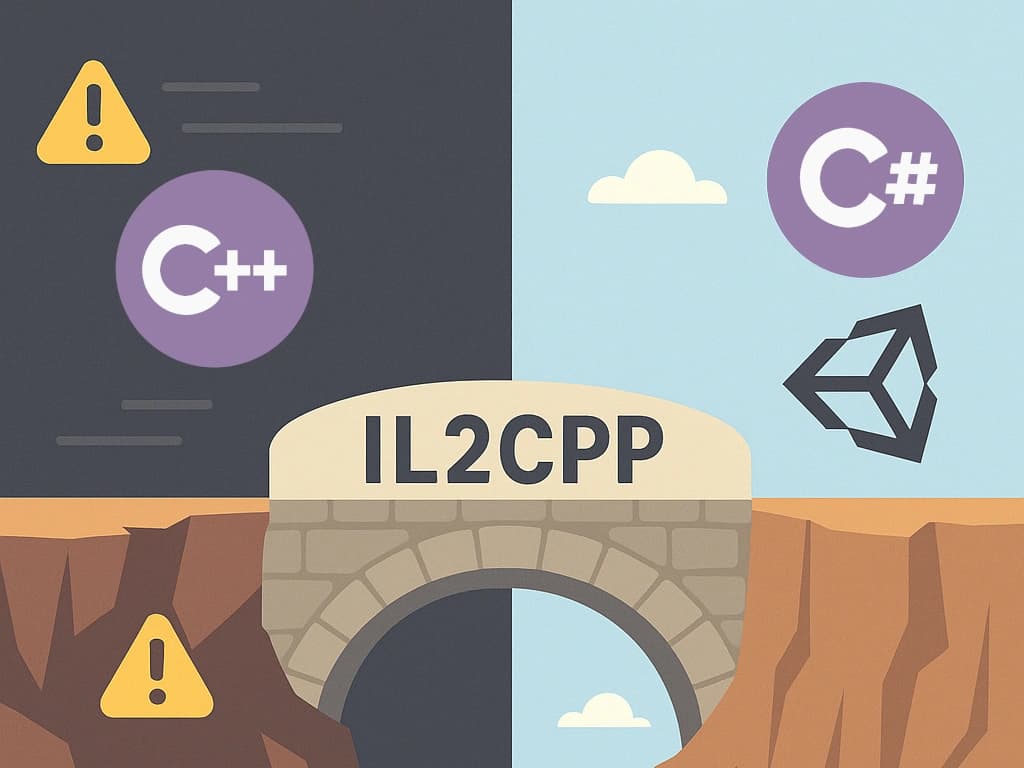
With C and C++ under fire for memory risks, many wonder if Unity’s IL2CPP is unsafe too. This post cuts through the noise to show how IL2CPP stays secure, and where developers must stay sharp.
Learn why antivirus flags your new game, how Windows evaluates unknown apps, and how to build trust.

What if your newest hire wasn't who they claimed to be? From AI-generated faces to deepfake interviews, attackers are exploiting remote hiring processes.
Subscribe to our newsletter to receive the latest news, updates, and special offers directly in your inbox. Don't miss out!
